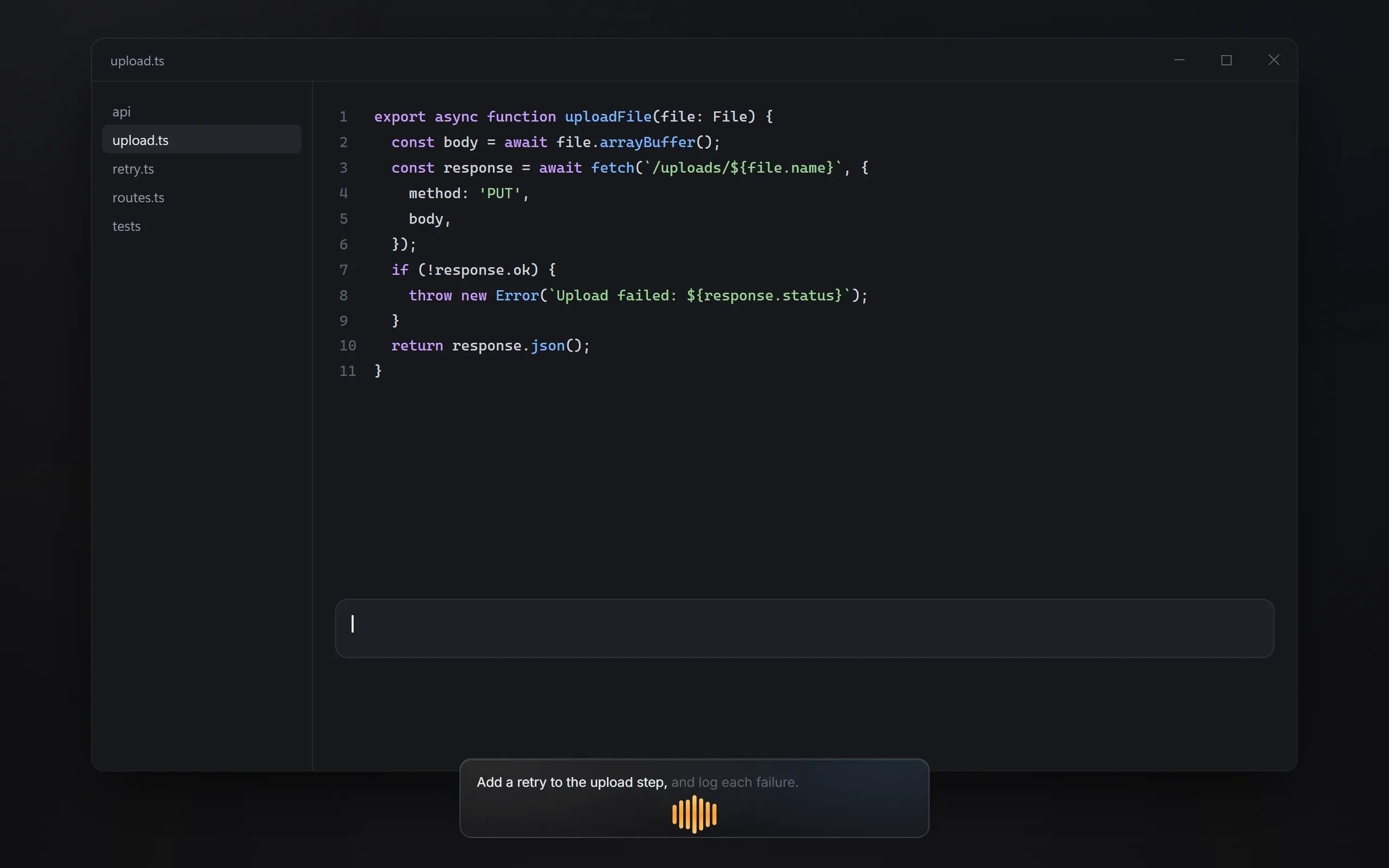
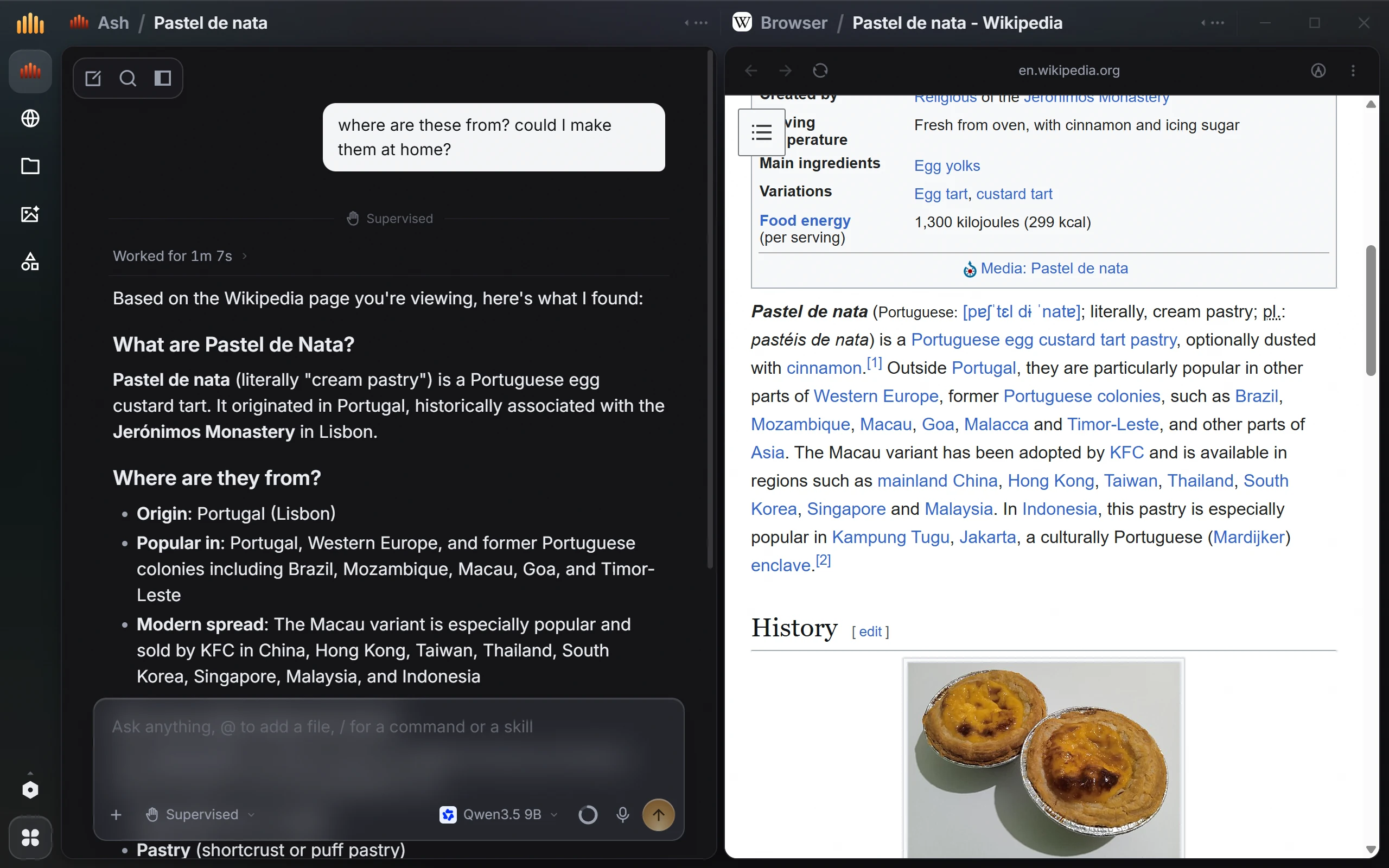
Hold a key and speak in any program, and the words appear where you type. Choose the speech model, such as Whisper or Parakeet.
Choose your speech model.
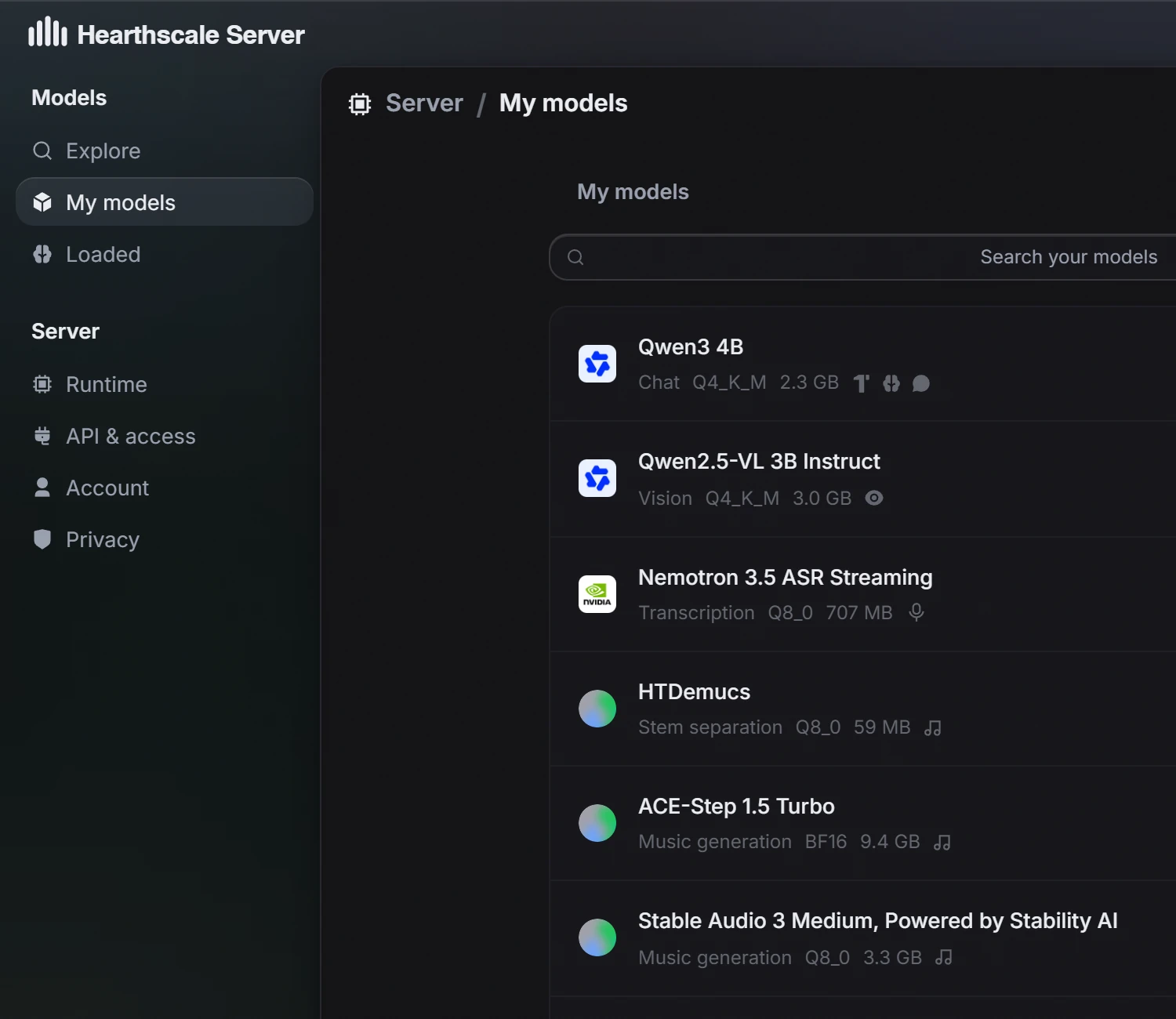
Choose your languages, and the list shows the speech models for them, such as Whisper and Parakeet. Each row shows a grade from A to F for the errors, and how long 30 seconds of speech took on reference hardware. Get more models opens Hearthscale Server, with the speech models for your languages.
Start dictating in three steps.
1
Install Hearthscale.
Download Hearthscale for Windows 10 or 11, or Linux. It is free, needs no account, and comes with Hearthscale Server, which runs the speech model.
2
Install Dictation.
In Hearthscale, open the Marketplace, choose Dictation, then Install. Dictation is free, and there is no window to open: the keys work in every program.
3
Download a model and speak.
Download the speech model that the introduction offers for your language, and a chat model for clean up if you want one. Then hold Ctrl+Shift+Space, speak, and let go.
Hold Ctrl+Shift+Space in a document, an email, a chat or a terminal, and speak. Let go, and the text appears where you were typing. With a streaming speech model, the words appear while you speak. Choose other keys in Settings, or one key alone, such as Right Ctrl.
Offline speech to text.
Hearthscale Server runs the speech model on your own device, so you can dictate with no internet connection. The sound stays in memory until the next text appears. A cloud model is used only if you choose one for Dictation.
Clean text, not a raw transcript.
Clean up removes filler words and false starts, keeps your last correction and fixes the punctuation, with a chat model on your device. The style suits the program you write in: a chat, an email or a coding tool. With no chat model, sounds such as “um” and “uh” are still taken out.
Your names and terms, spelled right.
Add the names and terms you say to the dictionary. For a word that keeps coming out wrong, write a line such as “Parakeet = para keet”. With a speech model that has translation, Translate to English gives you English text from any language.
Dictation on Linux.
Dictation works on X11 and Wayland. The first time, enter your password to give Hearthscale access to the keyboard. The text goes in through the clipboard, which is restored a moment later. In a terminal, Right Ctrl or a mouse button works well as the key, because it types nothing there.
How Dictation compares.
From each maker’s own pages, checked on 16 November 2026. Voice typing comes with Windows, Wispr Flow also runs on Mac and phones, and with Dragon you can also control the device by voice.
Turn a recording, an interview or a voice memo into text on your own device, with Whisper or Parakeet. Free and offline, with no minute limit and no account, on Windows and Linux.
FAQ
Frequently asked questions about dictation.
Is there free dictation software for Windows?
Yes. Dictation is free, and so is Hearthscale, with no account. Both work on Windows 10 and 11 and on Linux, 64-bit.
Does speech to text work offline on Windows 11?
With Dictation, yes: once the speech model is downloaded, you can turn the internet connection off. Windows voice typing, which starts with Windows key+H, needs a connection, because it uses Microsoft’s online speech recognition.
How do I talk to text on my device?
Hold Ctrl+Shift+Space wherever you can type, from a word processor to a browser or a terminal, then speak and let go. A password field is never read, and words you speak into one stay out of History.
Which languages can I dictate in?
The languages of the speech model you choose. Choose your languages under Models in Settings → Apps → Dictation, and the list shows the models for them. The Hearthscale app itself is in English.
Do I need a graphics card for speech to text?
No. Hearthscale Server runs Whisper models on the processor. A graphics card makes the clean up with a chat model faster.
Does dictation work on Wayland?
Yes. The keys work the same on X11 and Wayland. On Wayland, the program in front is not known, so the text is not styled for it.
Where is my dictation history kept?
On your device. History keeps each dictation so that you can copy it again, and opens from Settings or the tray icon. Turn off Keep history, and the history is deleted.
Is there a Mac version?
Not yet. Hearthscale is available for Windows 10 and 11 and for Linux, 64-bit.