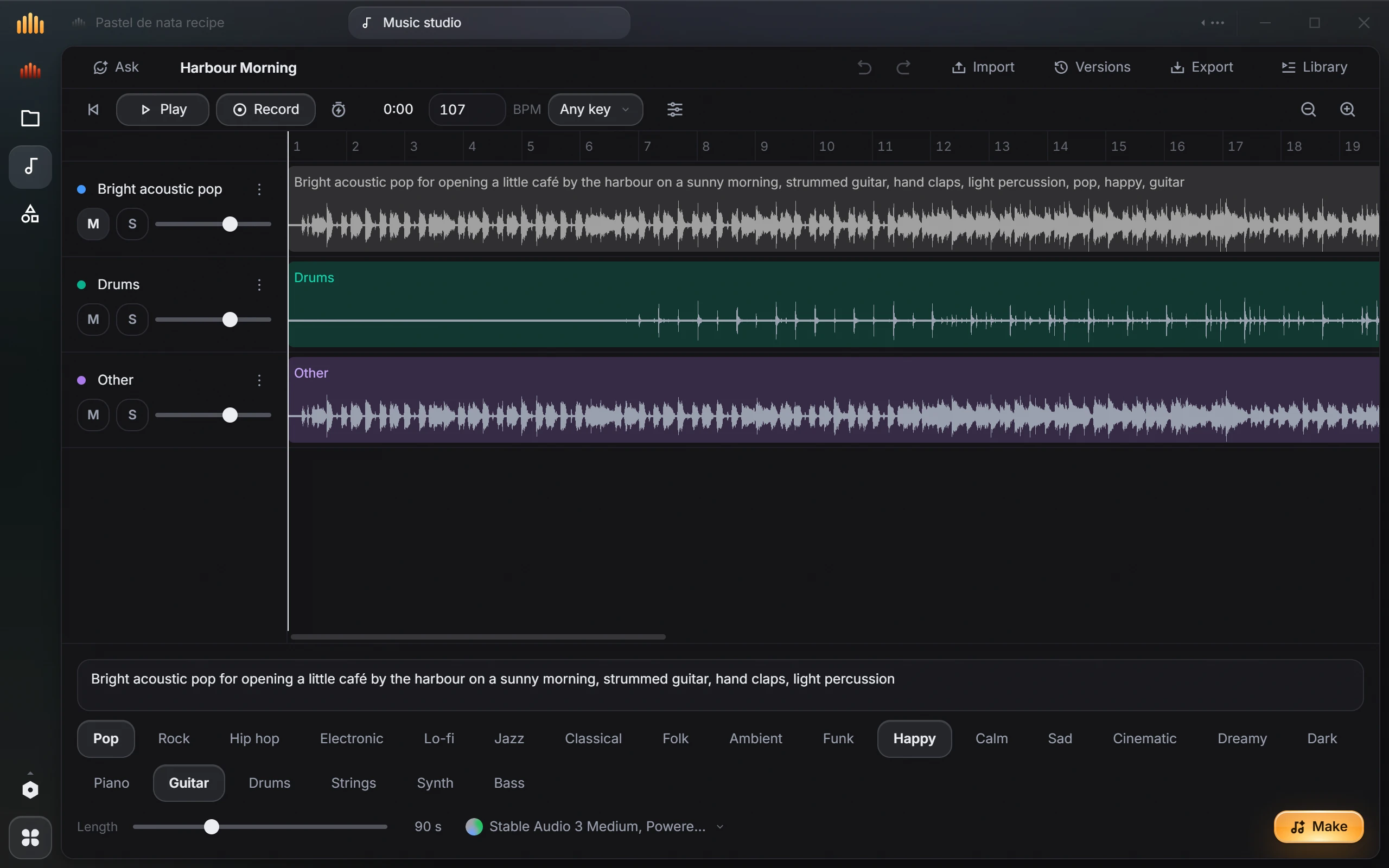
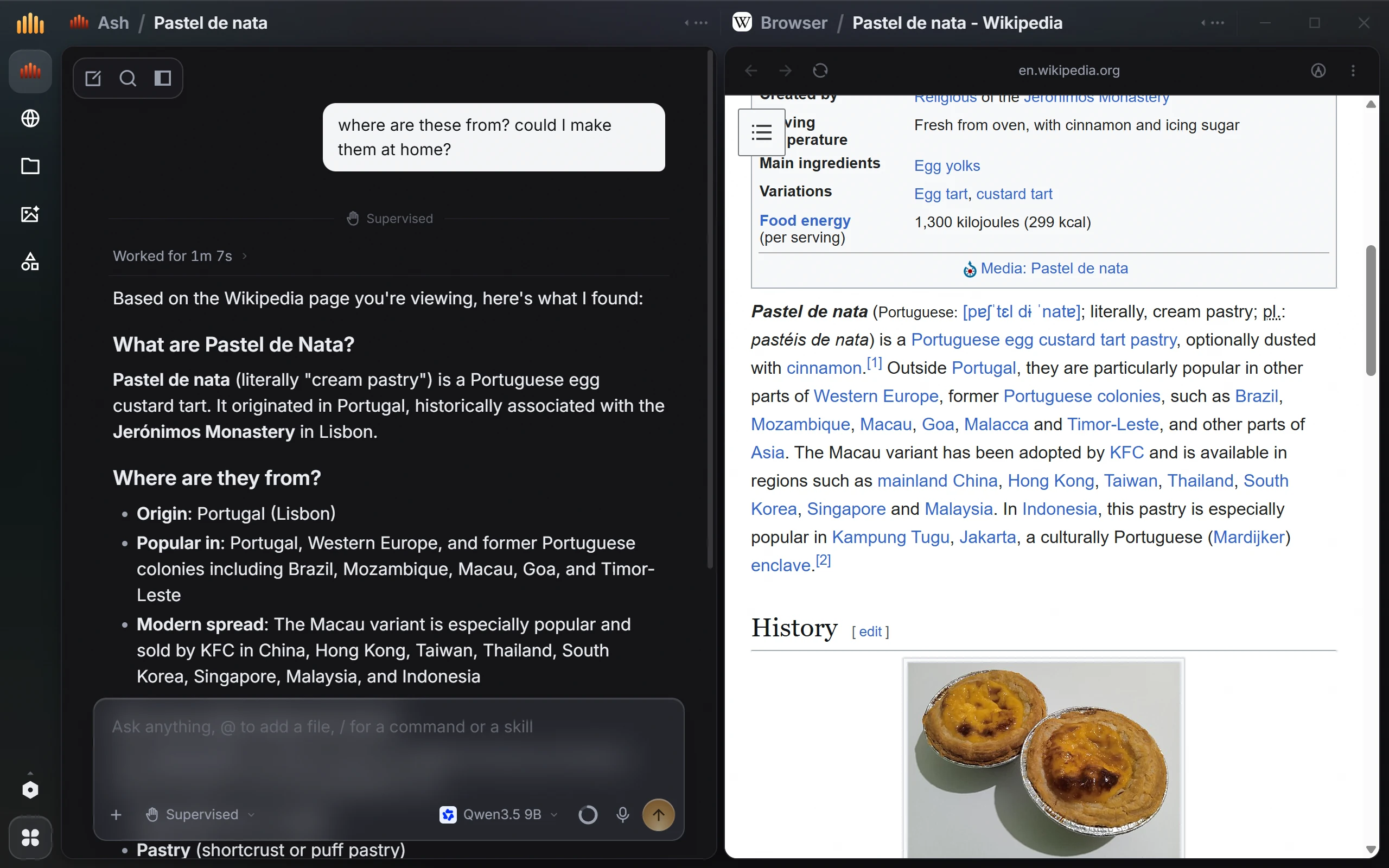
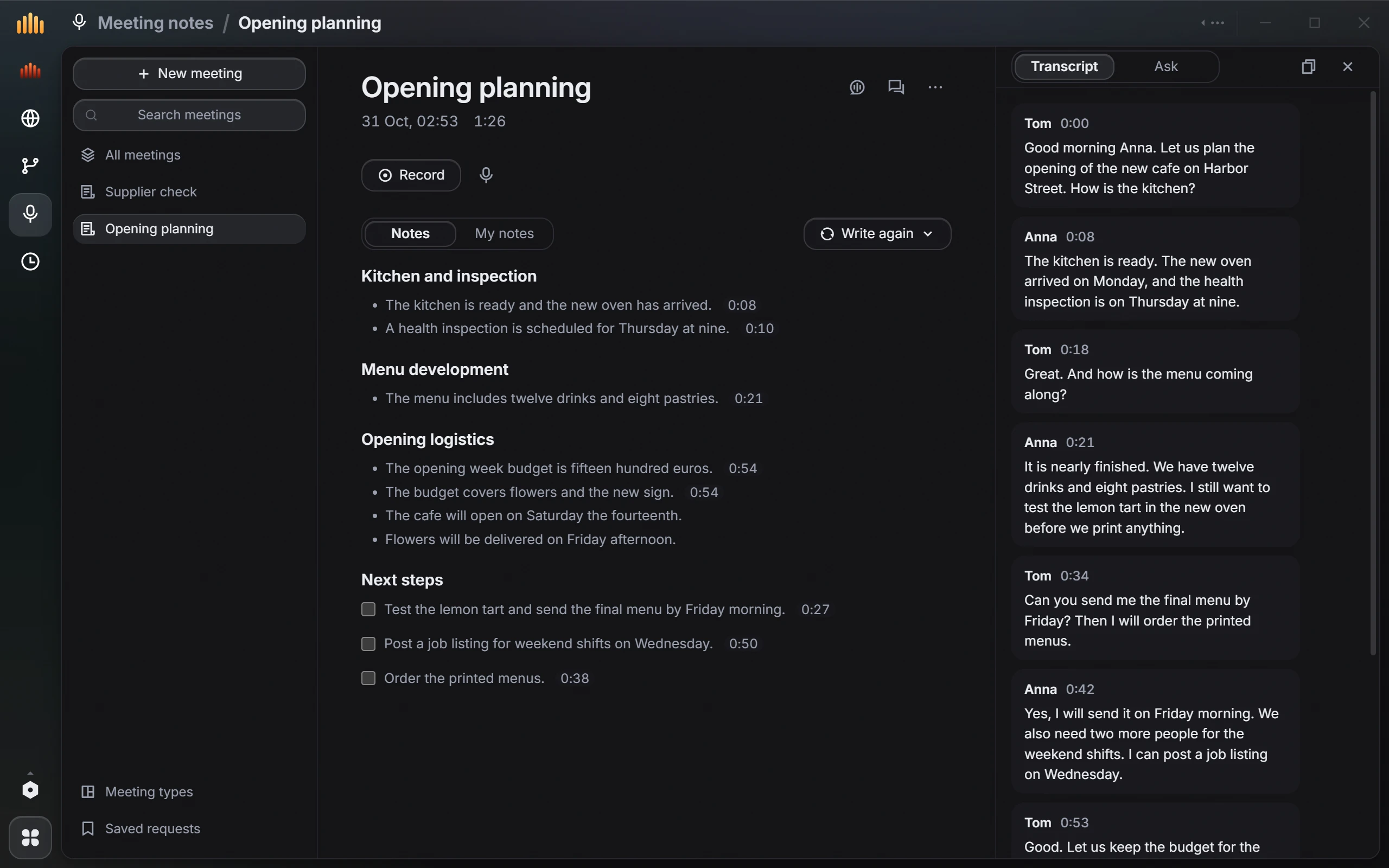
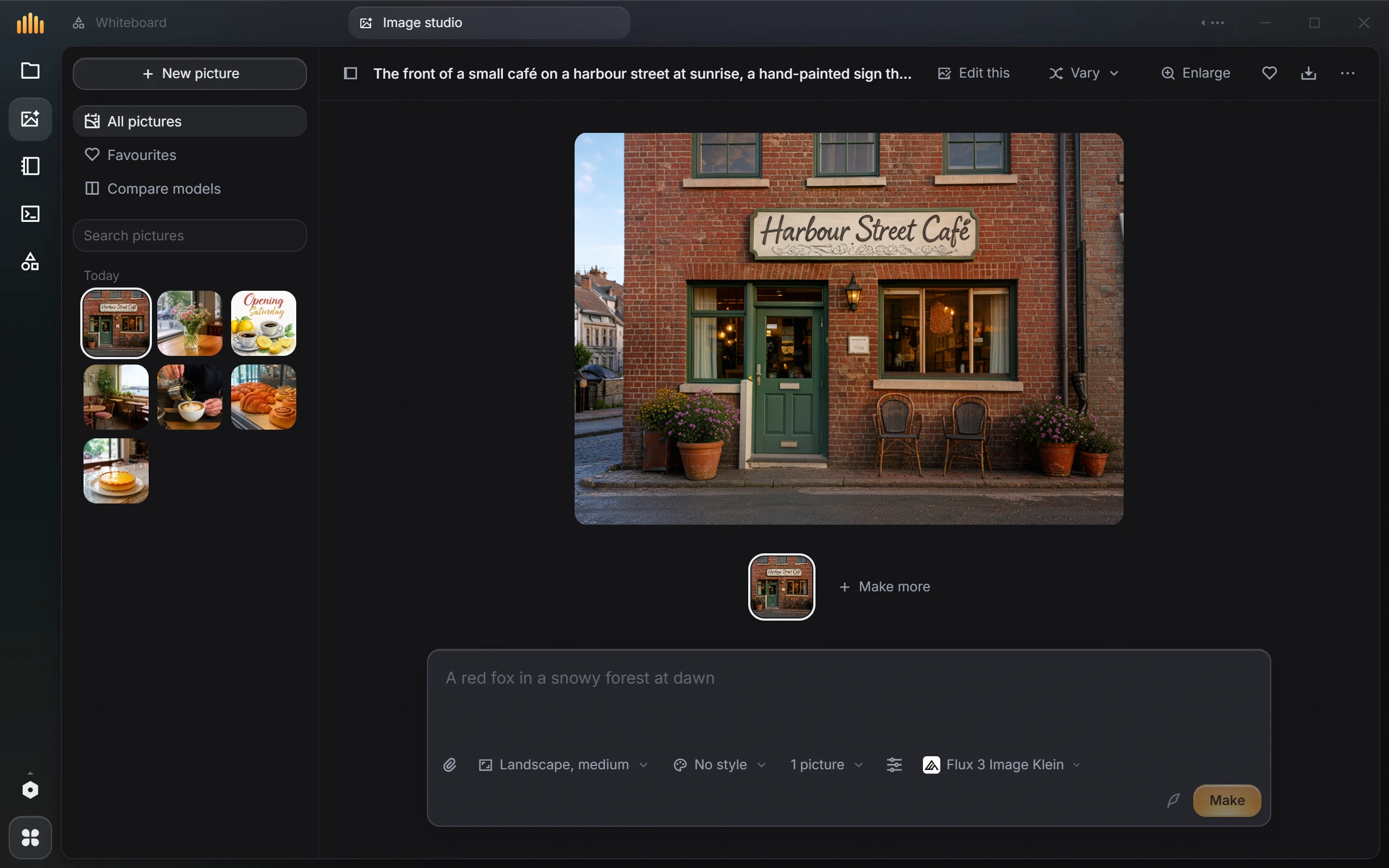
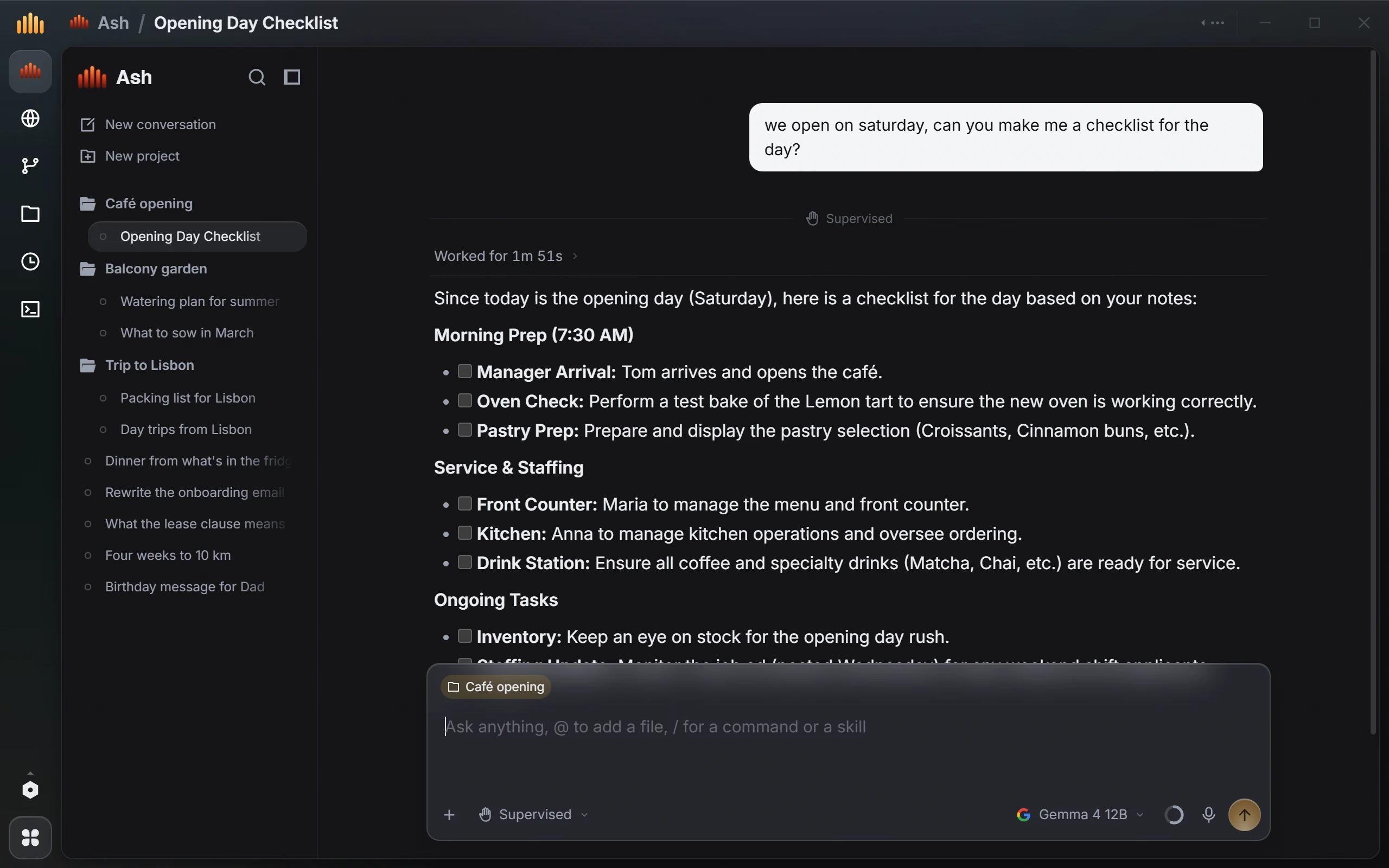
Chat, plan and get work done on your files with Ash. It works with any chat model you choose: Qwen3.8 27B and Gemma 4 on a device with a graphics card, or DeepSeek V4 Flash on an RTX Spark.
Ash and Claude Cowork, task by task.
Claude Cowork facts come from Anthropic’s own pages. Checked on 16 November 2026.
Ask about a contract, and the answer names the file and the page, with Sources to open each one. Ask for last month’s grocery total, and a short Python program works it out from the bank export itself. Ask for a Word, Excel or PowerPoint file, a tidy Downloads folder, or a research report with a link after each finding.
From download to a finished task.
1
Install Hearthscale.
Download Hearthscale for Windows or Linux, then download a chat model from the ones recommended for your device.
2
Install Ash.
Open the Marketplace from the rail and install Ash. The Browser comes with Ash, for research on the web.
3
Give Ash a folder and a task.
Choose + → A folder → Read and write…, select the folder, and describe the result you want: “Sort the invoices in Downloads into a folder called Invoices.”
With a local model, the whole task runs on your own device, and no cloud service receives your files or prompts. Everything except web research, connectors and cloud services works with no internet connection. In Claude Cowork, tasks run on Anthropic’s servers, and the files Claude opens through the desktop app are processed there.
Claude is more capable.
Claude models are much more capable than the models an ordinary device can run. Give a local model clear tasks whose result you can check, such as a summary, a table or a sorted folder. For harder work, run a larger model with Hearthscale Server on your most capable device and use it from your other devices, or add a cloud service in Settings → Providers.
Free, on Windows and Linux.
Hearthscale and Ash are free, and local models need no account. Claude Cowork needs a paid Claude plan, from 20 USD a month. Hearthscale runs on Windows 10 and 11 and on 64-bit Linux; there is no Mac version yet.
Schedules, connectors and skills.
With Schedules, a task runs once or on a repeat, in the app and with the model you choose. Runs happen while Hearthscale is running, even with the window closed; in Claude Cowork, scheduled tasks run in the cloud, so they also run while your device is off. Connectors add tools from MCP servers, and skills hold the steps for a kind of task.
Commands in a sandbox.
Commands run in Hearthscale’s sandbox, where each one can work only in the folders you granted. Choose a permission level for Ash: Supervised asks before anything you haven’t allowed, Auto has a model review those actions, and Full access runs them without review. On Windows, the sandbox needs Windows 11 24H2 with the August 2026 update.
FAQ
Frequently asked questions about Claude Cowork and Ash.
Is there a free alternative to Claude Cowork?
Yes. Ash is free, and so is Hearthscale, the app Ash runs in. With a model on your own device, you need no subscription and no account. Claude Cowork needs a paid Claude plan: Pro costs 20 USD a month, or 200 USD a year.
Is there an open-source Claude Cowork alternative?
Ash is open source under the MIT licence, and the code is on GitHub. Hearthscale, the app Ash runs in, is free but not open source.
Does Claude Cowork work on Windows?
Yes. Claude Cowork runs in the Claude desktop app for Windows 10 or later, on a paid Claude plan. Hearthscale also runs on Windows 10 and 11. The sandbox for Ash’s commands, which research in the Browser needs too, requires Windows 11 24H2 with the August 2026 update.
Is Claude Cowork available on Linux?
Yes, as a beta. The Claude desktop app for Linux supports Ubuntu 22.04 or later and Debian 12 or later, and Cowork there needs hardware virtualisation (KVM) turned on. Control of the screen and dictation are not available on Linux. Hearthscale runs on 64-bit Linux, from a Debian package or an AppImage.
Can Claude Cowork use a local model?
Anthropic documents Claude Cowork with Claude models only, through a Claude plan or, for organisations, through Amazon Bedrock, Google Cloud, Microsoft Foundry or their own gateway to Claude. Claude models run in the cloud, and since 6 October 2026, new Cowork tasks on Pro, Max and Ultra plans run there too. With Ash, you can use a local model from Hearthscale Server, Ollama or LM Studio, or any other chat model that can use tools.
Claude Cowork vs Ash: which should I choose?
Choose Claude Cowork for the most capable models, for a Mac or your phone, and for tasks that keep running in the cloud while your device is off. Choose Ash to keep your files on your own device, to work offline, and to pay nothing.
Does Ash work offline?
Yes, with a local model. Questions about your files, figures from your data, new documents and folder tidying all work with no connection. Research on the web, connectors and cloud services need one, and so do downloads of models, apps and updates.