Make songs from a few words in Music studio, with music models like MiniMax Music 3, ACE-Step 1.5 and Stable Audio 3.
A free AI song generator.
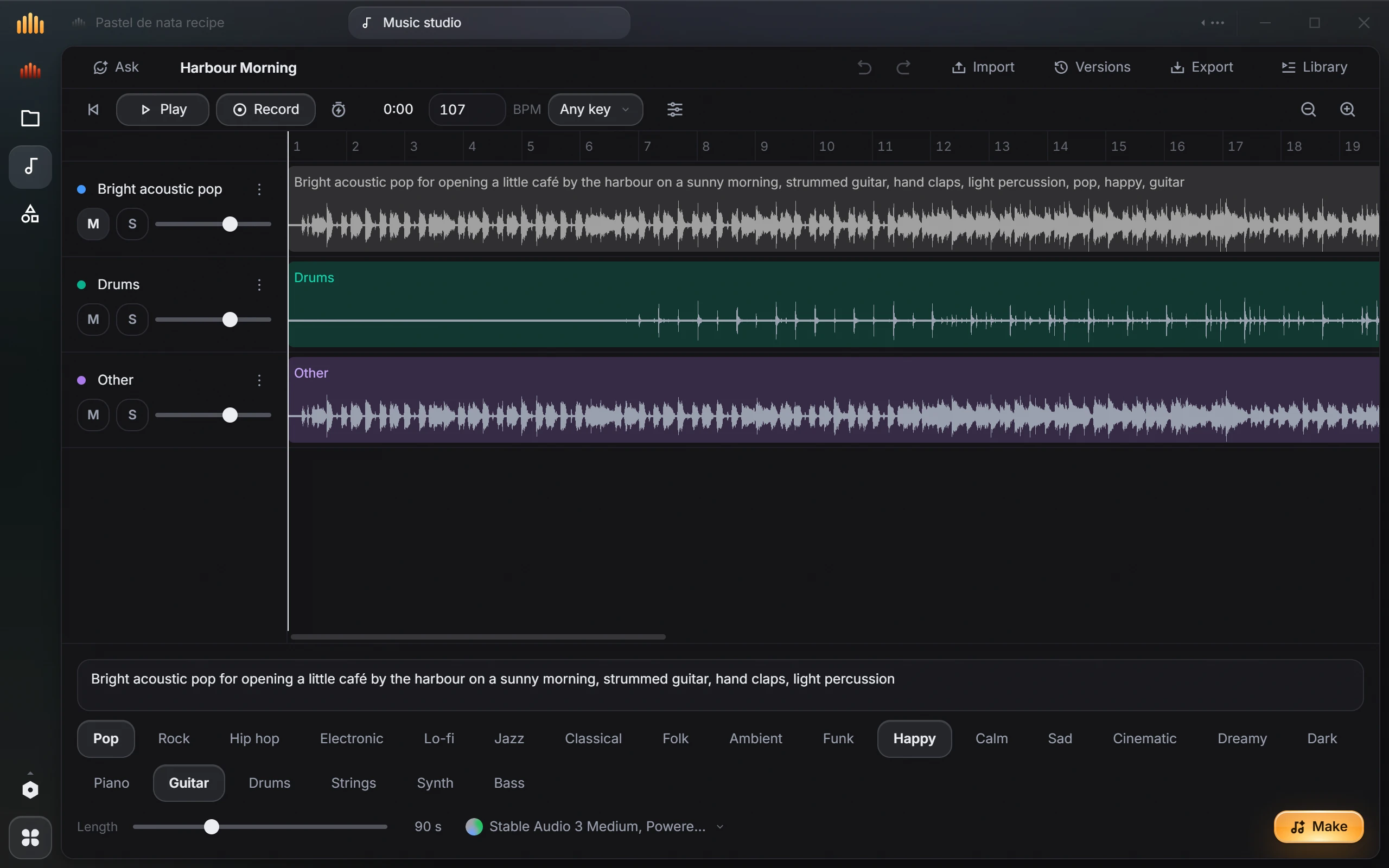
Describe a song, pick a style and choose Make. Each new piece can come as up to four takes: listen to each and keep the one you like. For a song with vocals, write the lyrics by section, or choose Write lyrics for a draft from your chat model.
From nothing to a finished song.
1
Install Hearthscale.
Download Hearthscale and install it on your Windows or Linux device. Hearthscale Server, which runs the music models, comes with it.
2
Install Music studio.
Find Music studio in the Marketplace and choose Install. When it opens, choose Download on the card with the music model recommended for your device.
3
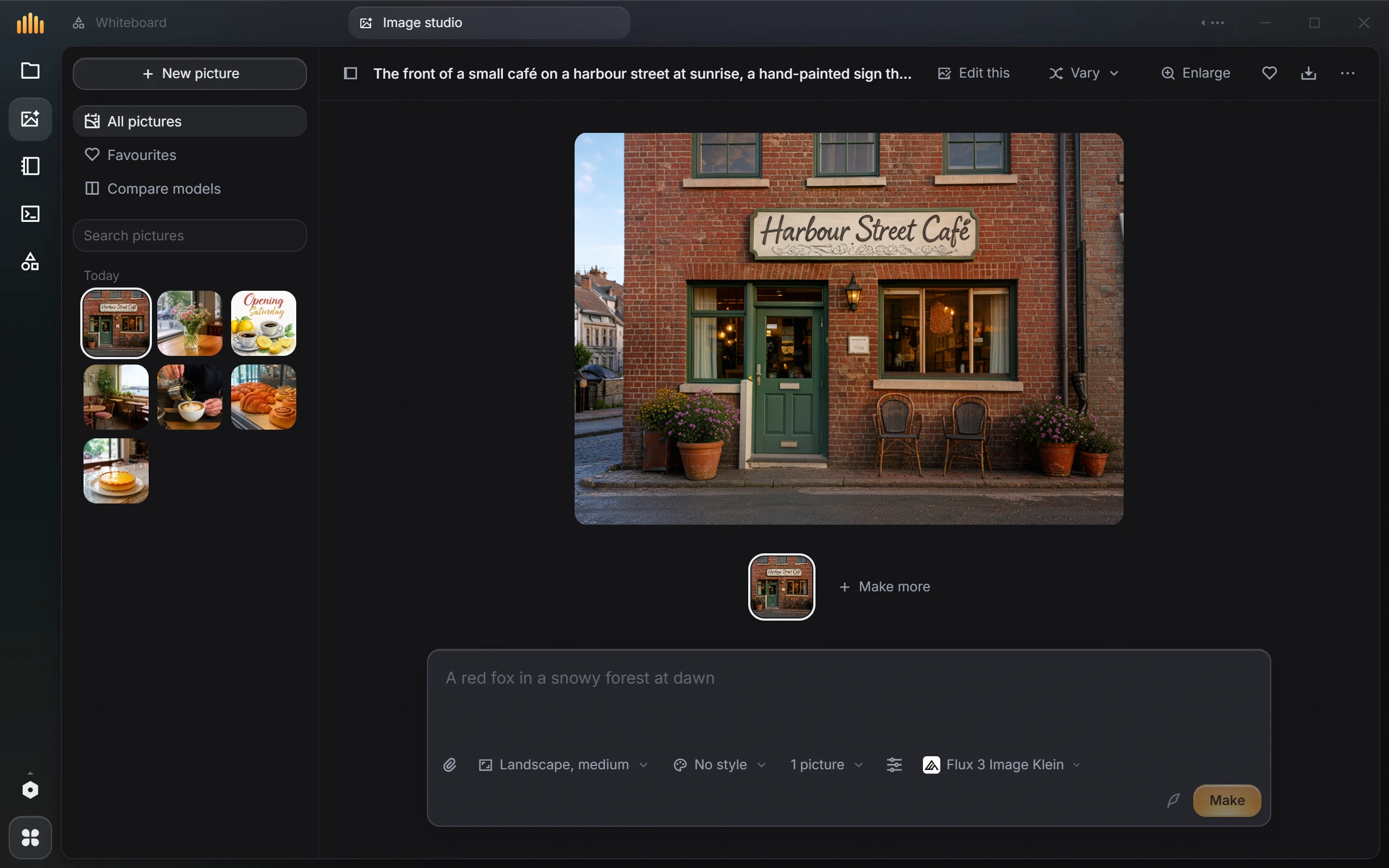
Describe a song and choose Make.
Type a few words, such as “warm lo-fi beat with soft piano and rain”, pick a style and choose Make. Keep the take you like, then mix the song and export it.
Change a clip’s style, redo some of its bars, extend it or add an instrument. Each music model does different things, and only what the chosen model can do appears. With a chat model, you can also type what to change beside the timeline, and undo each change in one step.
Mix it on tracks.
Move, loop, trim, cut and fade clips, and set each track’s volume and pan. Import a recording, or record from your microphone with a count-in. Save a clip as a snippet and drop it into another song in that song’s tempo and key. Export the song as a WAV file, or each track as a file of its own.
Split a song into stems.
Drop a WAV, MP3, FLAC, OGG or M4A file on Music studio, open the clip’s menu and choose Split into stems. The vocals, drums, bass and the rest go on tracks of their own, so you can mute the vocals or export them alone. The split happens on your device with no minute limit, using the separation model you choose on Music studio’s page in Settings → Apps, such as HTDemucs.
Run ACE-Step 1.5 and other music models.
Make songs with models such as ACE-Step 1.5, Stable Audio 3 and MiniMax Music 3. In the picker beside Make, see how much memory each model needs, and download one that is not on your device yet.
A local AI music generator.
Songs are made with music models on your own device, or on a Hearthscale Server you paired with it, never in a cloud service. Your songs, versions and snippets stay in Music studio’s database on your device.
How Music studio compares with Suno.
Suno is an online service that works in a browser, on a Mac too, and in apps for iPhone and Android. With Music studio, songs are made on your own device. The facts about Suno come from suno.com on 16 November 2026.
Remove the vocals from any song, or split it into vocals, drums, bass and more, on your own device. Free and offline, with no minute limit, on Windows and Linux.
FAQ
Frequently asked questions about making music with local AI.
Is this AI music generator free?
Yes. Hearthscale and Music studio cost nothing and need no account. There are no credits to buy: the only limit on how many songs you make is the time your device takes.
Can I make AI music offline?
Yes. Once Hearthscale, Music studio and your models are downloaded, you can make, change, split and mix songs with no internet connection.
Can it make songs with vocals?
Yes, with a model made for singing, which needs more memory than some devices have. For music with no vocals, turn on Instrumental.
Can I use the songs commercially?
Only as far as the licence of the music model allows. Licences differ from model to model, and models whose licence limits commercial use are marked in the model picker. Read the licence on the model’s Hugging Face page before you publish or sell a song.
Is there a free, open-source Suno alternative?
Music studio is free, and the code of the app is open source under the MIT licence. Songs are made with music models you download, such as ACE-Step 1.5, on your own device instead of in an online service. The comparison on this page shows how Music studio and Suno differ.
Can I use it as a free vocal splitter?
Yes. Split a song into stems, then export the vocals alone, or mute them and practise along with the rest. Music studio is free, and so is every split, with no limit on minutes or songs.
Do I need a graphics card to make music?
No, but songs take less time with one. Hearthscale Server runs ACE-Step and Stable Audio 3 with audio.cpp, a program for music models that has builds for graphics cards and for the processor alone.
Is Music studio available for Mac?
Not yet. Music studio needs Hearthscale, which runs on Windows 10 and 11 and on 64-bit Linux. The Windows on Arm build has music turned off.