Pictures from a few words.
Describe the picture and choose Make. Pick the shape and size, and add a style such as Photo, Watercolour or Pixel art if you like. Then vary a picture a little or a lot, or make more like it.
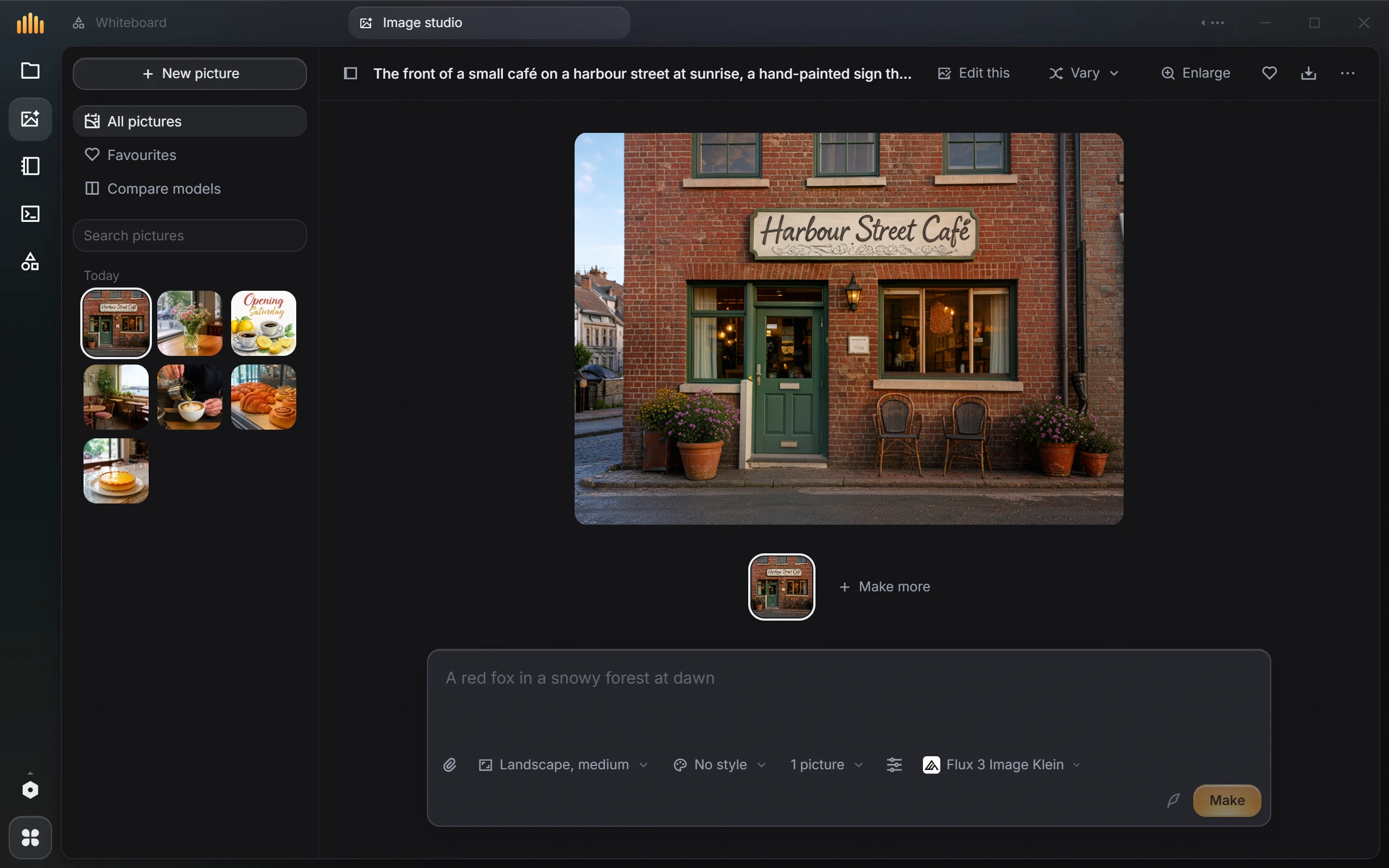
Write what you want to see, and the picture is made on your own device.
Free for Windows and Linux, with no credits and no account.
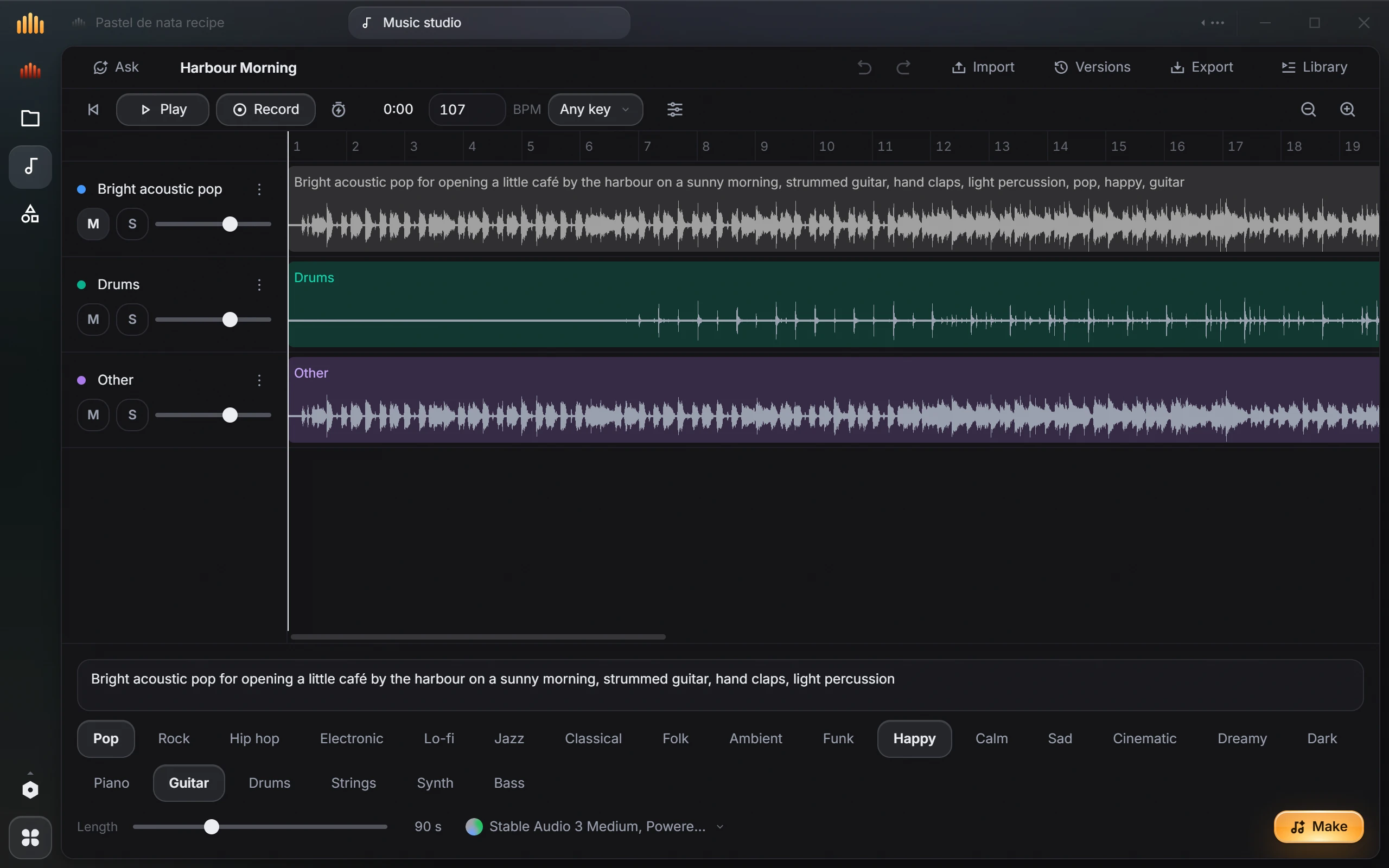
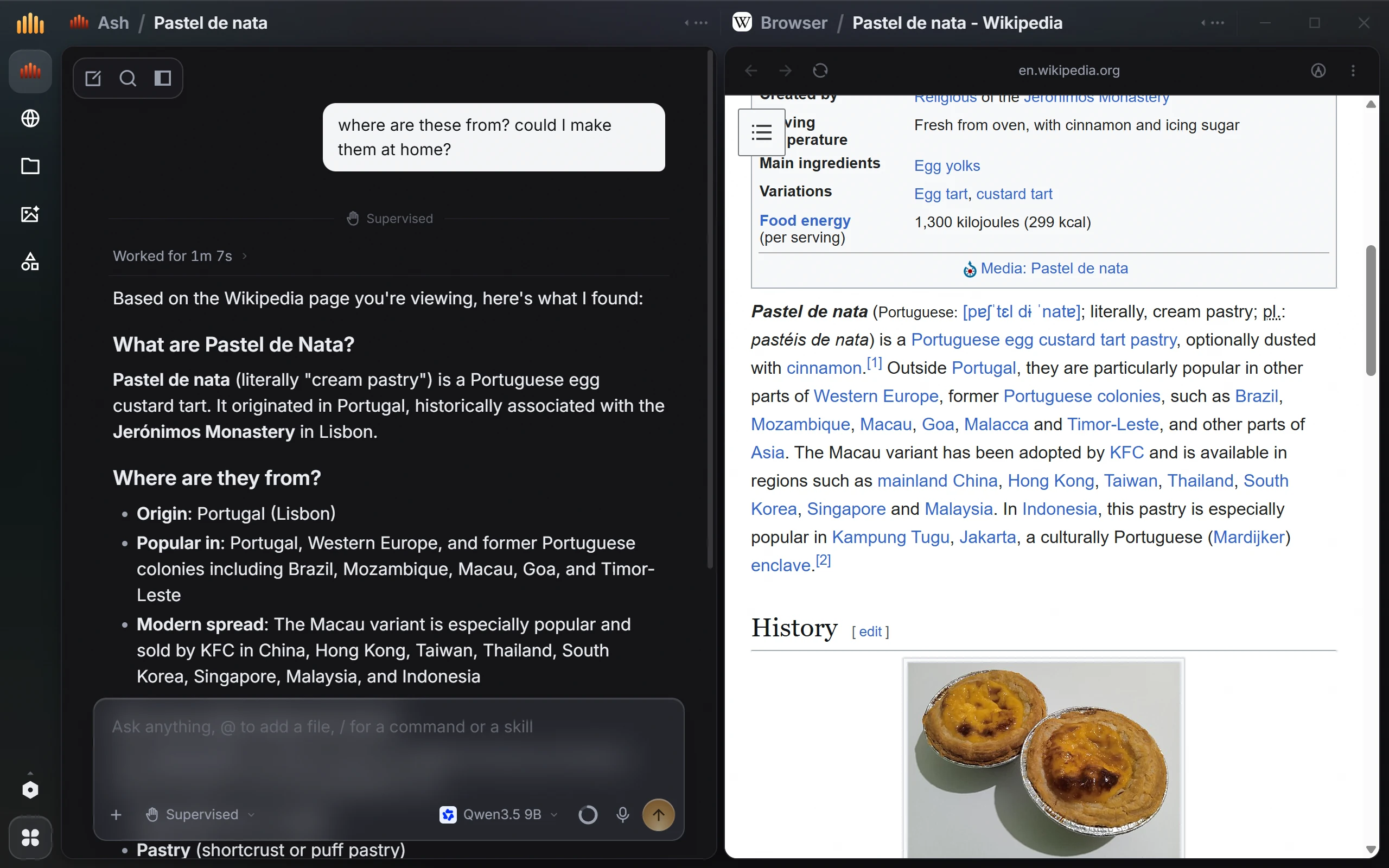
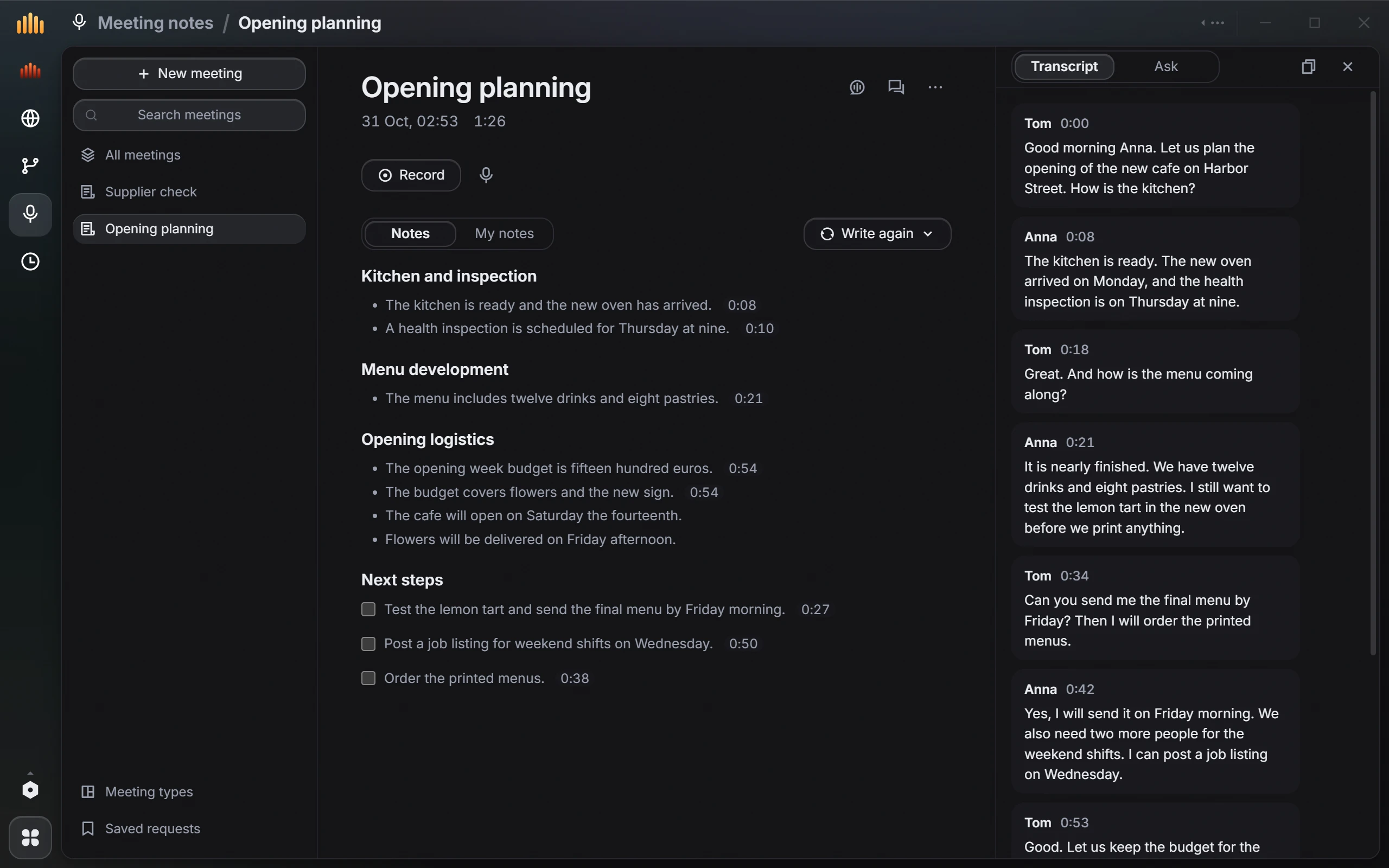
Create and edit pictures in Image studio. Try FLUX 3 Image Klein, Qwen-Image 2.1 or any other image model you install.
Describe the picture and choose Make. Pick the shape and size, and add a style such as Photo, Watercolour or Pixel art if you like. Then vary a picture a little or a lot, or make more like it.
Pictures are made on this device or on a Hearthscale Server you paired with it. Pair a laptop with the Server on your desktop, and make pictures on the laptop with the desktop’s graphics card. The connection between them is end-to-end encrypted.
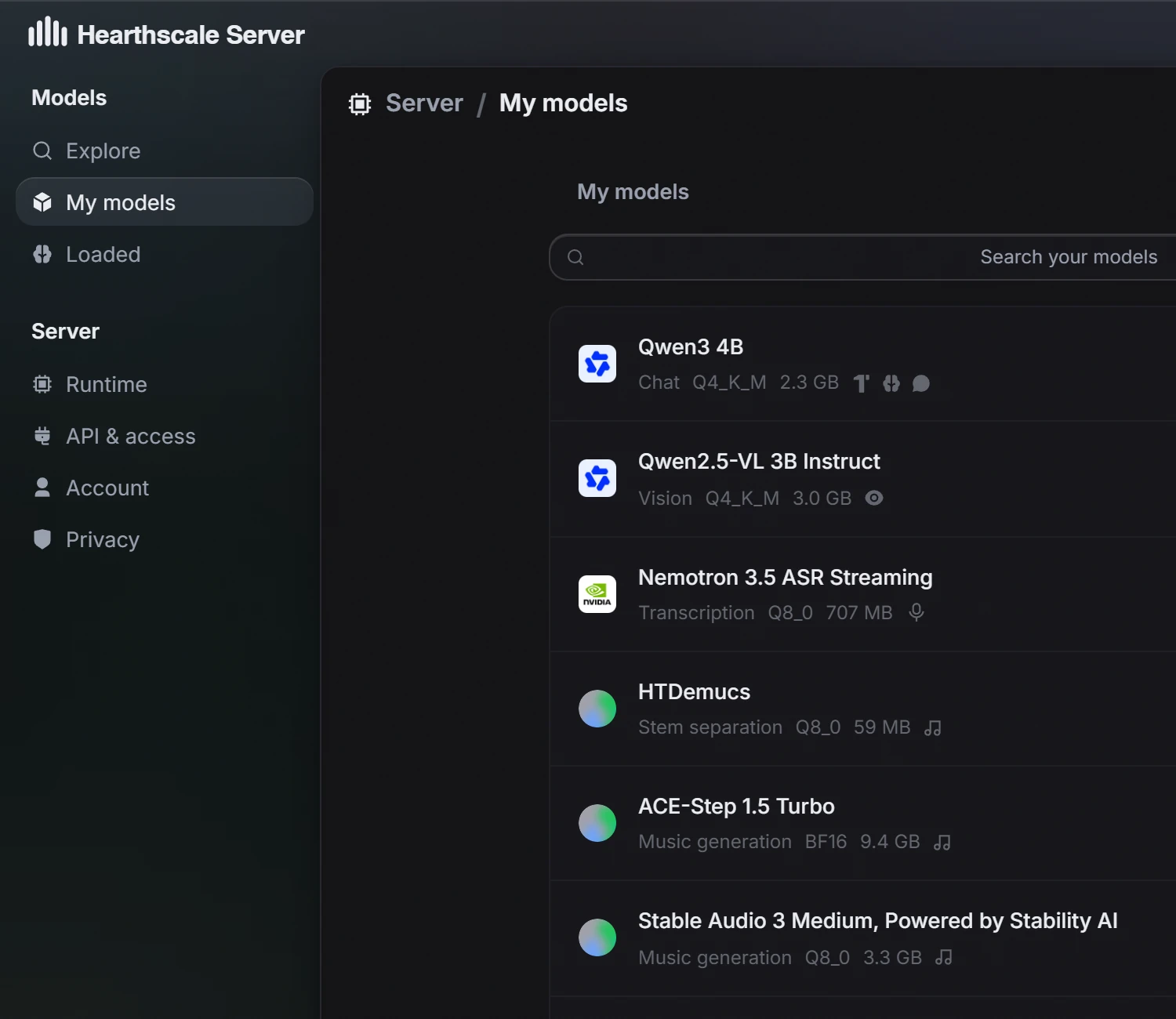
Download Hearthscale for Windows 10 or 11, or 64-bit Linux, and open it. Hearthscale Server comes with it and installs the programs that run image models, so there is no setup to follow. The first start needs an internet connection.
Open Image studio in the Marketplace and choose Install. Image studio is free and needs no account.
When you first open Image studio, download the image model recommended for your device. Then write what you want to see and choose Make.
Open a photo of your own, or a picture you made, and say what to change, such as the season or the light. To change one part, mark it with the brush or a box and say what goes there; everything outside the marks stays as it was. With a model made for editing, such as Qwen-Image-Edit or FLUX.1 Kontext, one press removes all text or the background. You can also extend a picture past its edges, or enlarge it into a larger, sharper copy.
Hearthscale Server runs the image model families Stable Diffusion, FLUX, Qwen-Image and Z-Image, among others, with models such as FLUX 3 Image Klein and Qwen-Image 2.1. Choose a model in the picker under the prompt, or search Hugging Face, the site where open models are shared, from the Server. Compare two to four models on the same words, side by side, to choose the one you like.
After the first downloads, Image studio needs no internet connection. Your words and pictures go only to your own Hearthscale Servers, never to a cloud service, and the pictures stay in Image studio’s own folder.
A model too large for your device is never recommended. Before you download a file in the Server, a mark under it shows whether your graphics card can hold all of the model or part of it, or whether the file is likely too large for your device.
Make and edit pictures with AI on your own Windows or Linux device, free and offline. Which models to choose, how much graphics memory you need, and how long a picture takes.
Frequently asked questions about making pictures with local AI.
Yes. Hearthscale and Image studio are free and need no account. Pictures are made on your own device, so there are no credits to buy and no limit on how many you make.
Yes. You need an internet connection only to install Hearthscale and Image studio and to download models. Then turn the connection off: making and editing pictures keeps working.
No, but pictures take less time with one. Without a graphics card, pictures are made on the processor. On Windows with an NVIDIA graphics card, the Server installs a faster build for that card in the background.
Stable Diffusion 1.x, 2.x, XL and 3, FLUX.1, FLUX.1 Kontext and FLUX.2, Qwen-Image and Qwen-Image-Edit, Z-Image Turbo, and the other families of stable-diffusion.cpp, the program in Hearthscale Server that runs image models. The Server finds the extra files each model needs, such as a text encoder, and downloads them with it.
Install Hearthscale and Image studio. Then choose Get more models in Image studio’s model picker, and download a Stable Diffusion model from Hugging Face in the Server. Hearthscale Server installs the program that runs it, so there is nothing to install by hand and no node graph to build. Choose the model’s .safetensors or GGUF file, because a .ckpt file can’t be read.
That depends on the licence of the model you made the picture with. Some licences allow commercial use and some limit it. Where a model’s licence limits commercial use, a note in the model picker names that licence. Read the licence on the model’s Hugging Face page before you sell or publish a picture.
On Linux, yes. On a Mac, not yet. Hearthscale runs on Windows 10 and 11 and on 64-bit Linux, and Image studio works on both, except in the Windows on Arm build, where image, music and video are off.