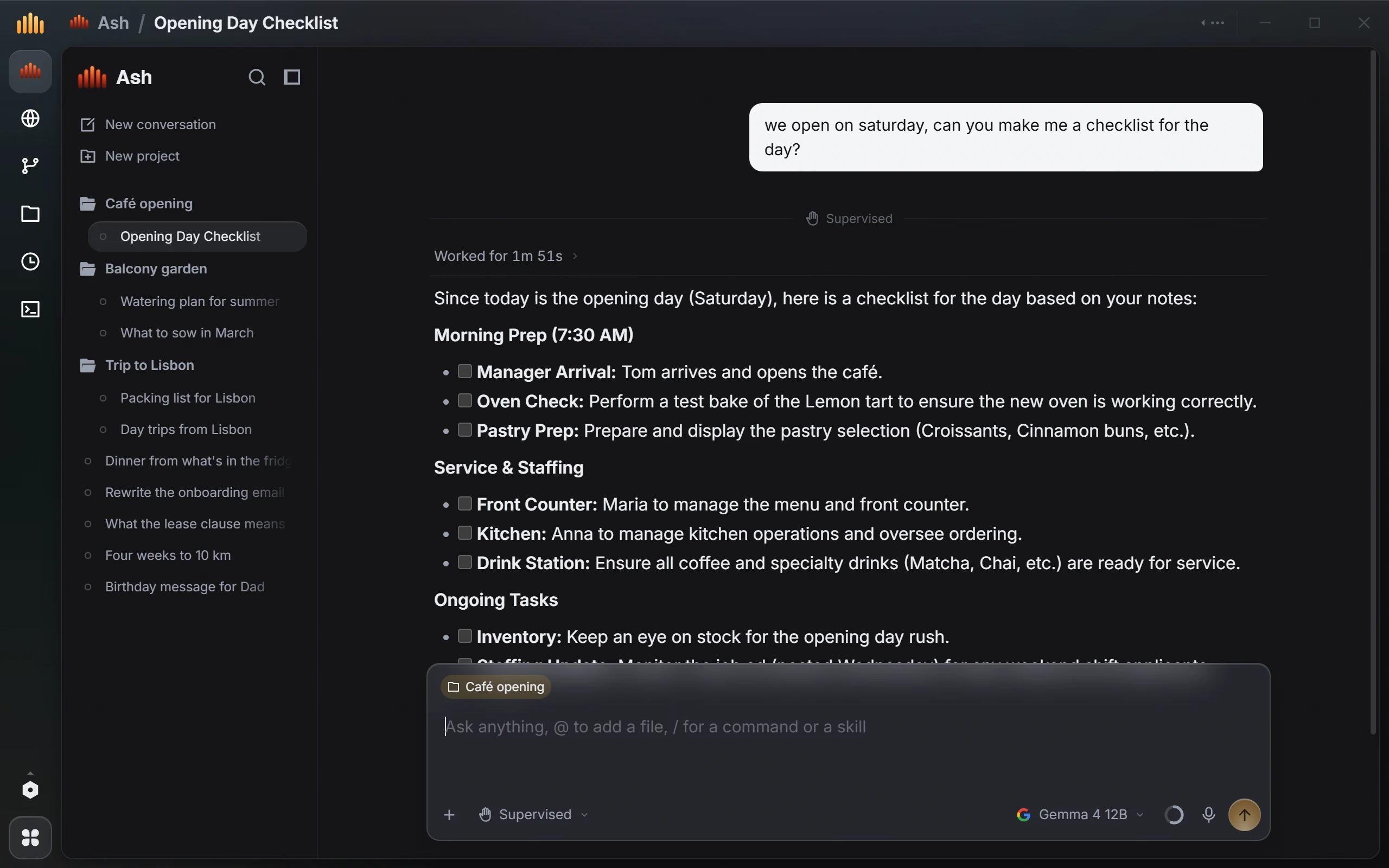
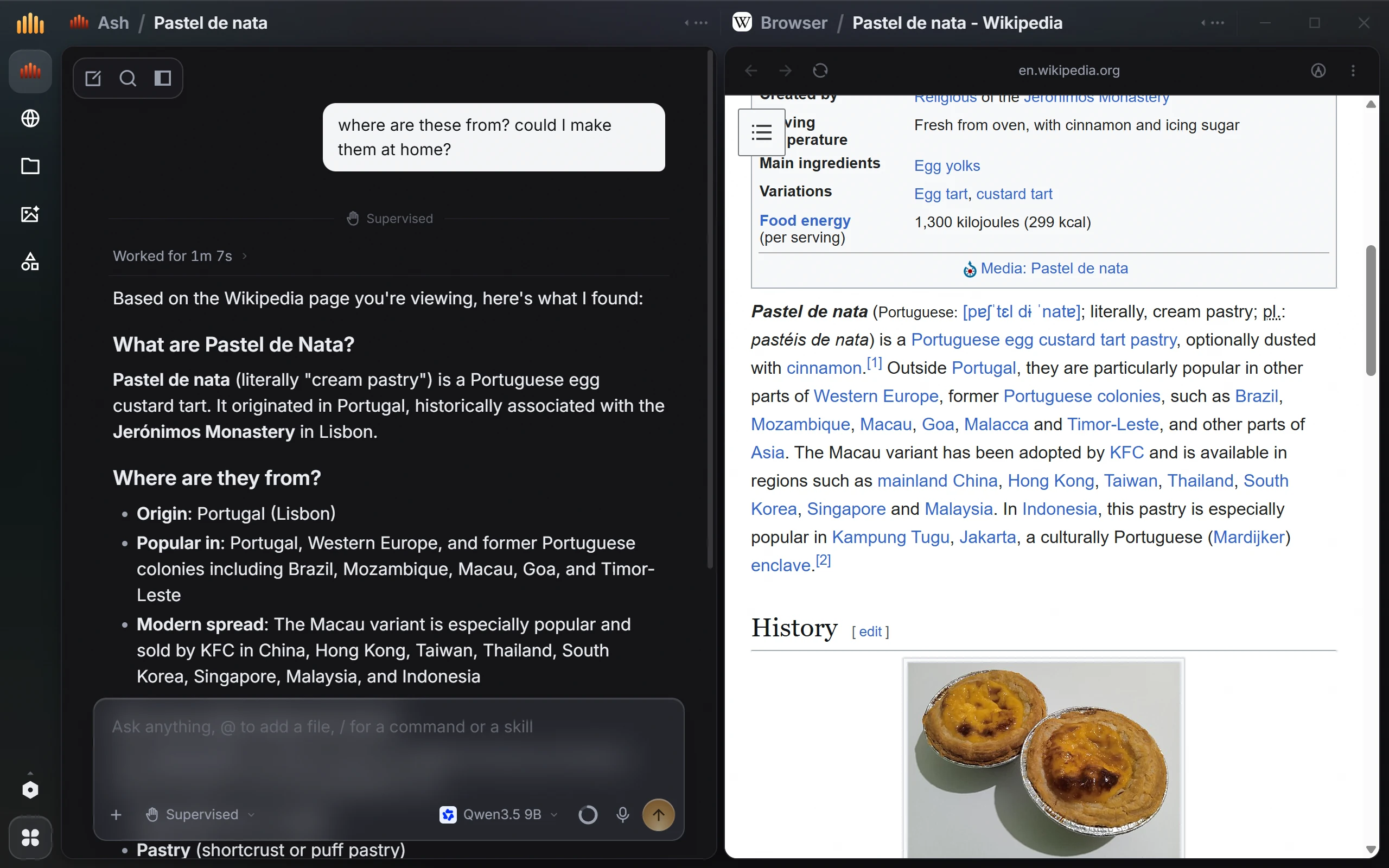
Chat, plan and get work done on your files with Ash. It works with any chat model you choose: Qwen3.8 27B and Gemma 4 on a device with a graphics card, or DeepSeek V4 Flash on an RTX Spark.
The model on one device, the tool on another.
Keep the model on a desktop with a large graphics card and work on a laptop. The tool reads and changes files and runs its commands on the device you work on. Only its requests to the model go to the other device, over the encrypted connection that Hearthscale already uses between your devices, with no port to open. That device gets no access to your files, commands or credentials.
From Settings, or with one command.
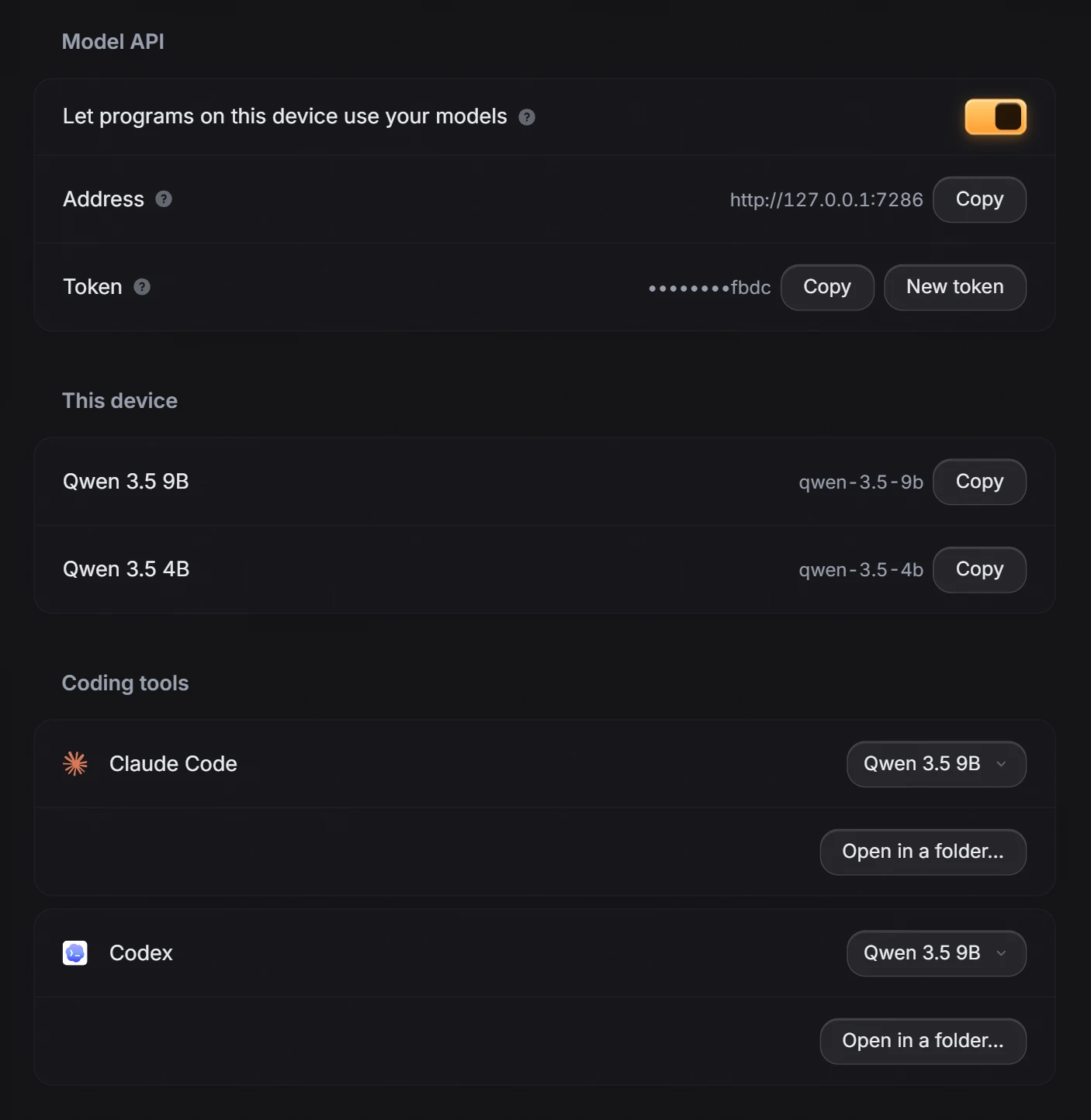
In Settings → Model API, choose a model on the card of Claude Code or Codex, then choose Open in a folder… and select your project’s folder. Your default terminal app opens there, with the tool on that model. In a terminal, hearthscale launch claude and hearthscale launch codex do the same.
From install to a first task.
1
Install Hearthscale and a model.
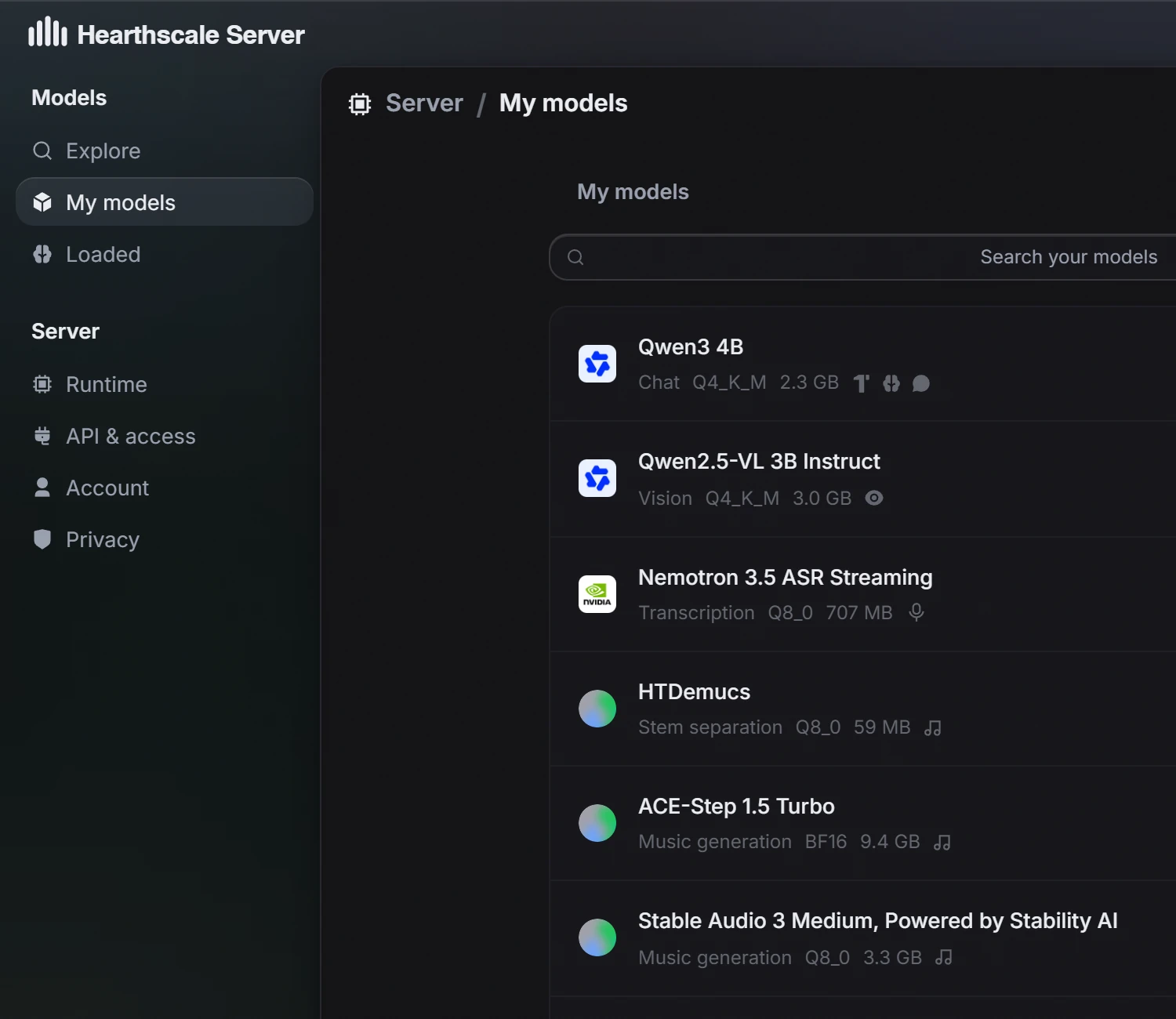
Download Hearthscale for Windows or Linux and follow the first steps. Then download a chat model that can use tools: in Explore, in the Server window, an icon on a result shows that the model can use tools.
2
Install Claude Code or Codex.
Install each tool from its maker’s instructions. Hearthscale finds each one by its command, claude or codex. After you install one, open a new terminal.
3
Start the tool in your project.
Open Settings → Model API and turn on Let programs on this device use your models. Choose a model on the card of the tool, then Open in a folder…, and select your project’s folder. Or run hearthscale launch claude in that folder.
Claude Code and Codex send their requests to a model of your Hearthscale Server, not to Anthropic or OpenAI. Your prompts, your files and the model’s answers stay on your devices. The tool sends the token of the model API, not your Claude or ChatGPT sign-in, so the usage limits of your plan do not apply.
Your own setup stays as it is.
Hearthscale changes no file of either tool and sets up only the tool it starts. Start claude or codex on their own, and they keep your usual setup and account.
The model’s context, at every start.
When a tool starts, Hearthscale gives it the context of the model: the context the model is loaded with, or the one its Server plans in the memory that is free. The tool then compacts a long conversation before the Server would refuse it.
For any program with a base URL.
The model API answers OpenAI’s Chat Completions and Responses APIs and Anthropic’s Messages API at http://127.0.0.1:7286, with a token. Any program that lets you set a base URL for either API can use your models through it, while Hearthscale runs.
Which open-weight model to run Claude Code, Codex or OpenCode on: independent benchmark scores, the memory of each file and its context, the wait for a long prompt, and the setup.
Ollama or LM Studio? Compare the two free apps for local AI on Windows and Linux, with the app, the models, speed, the API, other devices and the licence.
FAQ
Frequently asked questions about Claude Code, Codex and local models.
Can Claude Code use a local model?
Yes. Hearthscale Server answers Anthropic’s Messages API, which Claude Code uses. Turn on Settings → Model API, then start Claude Code from that page or with hearthscale launch claude, and its requests go to the model you choose.
Is Claude Code free with a local model?
Hearthscale, Hearthscale Server and the model API are free, and a local model costs nothing per request. Claude Code sends the token of the model API, not your Claude sign-in, so the usage limits of your plan do not apply.
Which local model should I use with Claude Code?
A chat model that can use tools, with a context of about 64,000 tokens or more. Claude Code and Codex work through tool calls and send long instructions with every request. A smaller model, or a smaller quantization of it, leaves room for a longer context on the same graphics card.
Can I use a model on another device?
Yes. The model API serves the chat models of every Hearthscale Server that this device uses: the Servers on your account, and the Servers you added that allowed this device. A model on another device has an id with that device’s name, such as qwen3.6-35b-a3b@desk. That device must be on, with its Server running.
Does Codex work with local models too?
Yes. Codex uses the Responses API of the model API, through a provider named hearthscale that hearthscale launch codex passes as --config options. The options apply to that run only, and codex started on its own keeps your usual configuration.
Does Claude Code still send anything to Anthropic?
Your prompts, your files and the model’s answers go only to your Servers. Claude Code still makes some requests of its own, such as usage metrics and update checks. The full guide shows the two settings that turn them off.
Do the permission prompts of Claude Code still apply?
Yes. Claude Code and Codex run as your own programs, outside the sandbox and the permission levels of Hearthscale, and their own permission prompts apply.
Does this work on a Mac?
Not yet. Hearthscale runs on Windows 10 and 11 and on Linux, 64-bit.