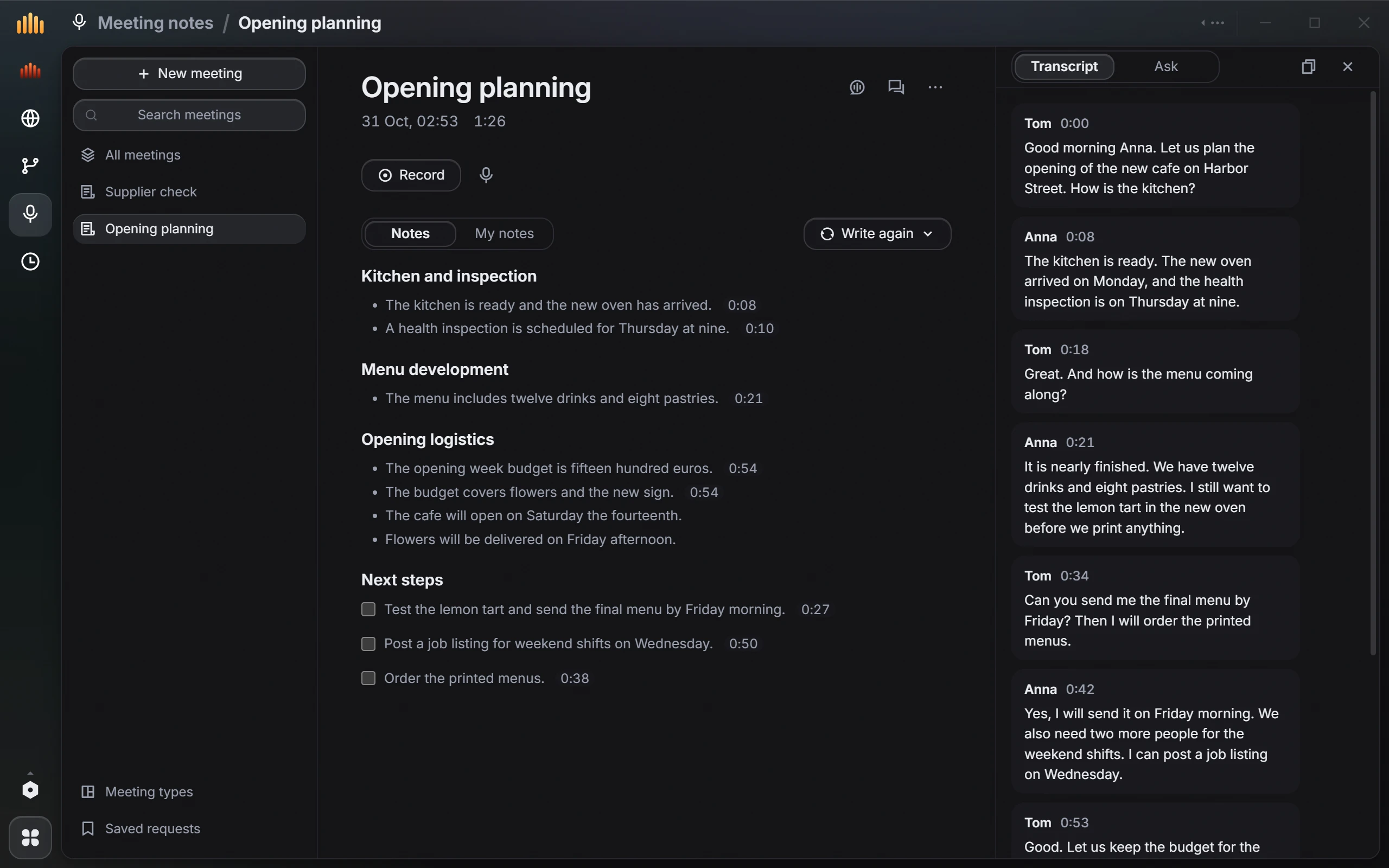
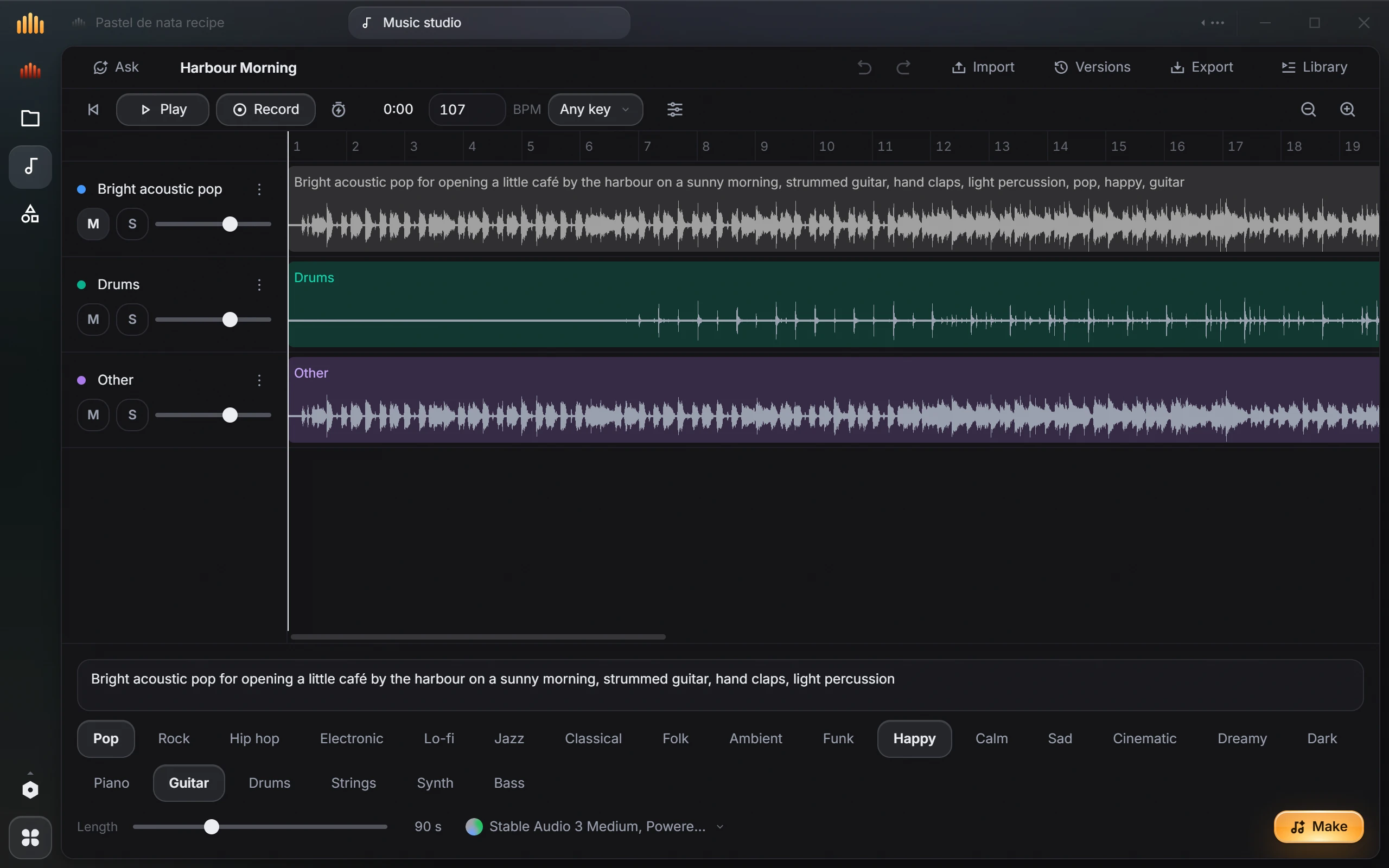
In LM Studio Bionic, the agent app, you can talk instead of typing and have answers read aloud, offline, but LM Studio’s local API has no route for audio. Hearthscale Server runs transcription models such as Whisper and Parakeet, also on live speech, and Kokoro and VITS voices, for every app and script through one API. It also runs music models, and models that split a song into stems: separate tracks for vocals, drums, bass and the rest. Make songs and work with their stems in Music studio, a free app.
An alternative to LM Studio Bionic.
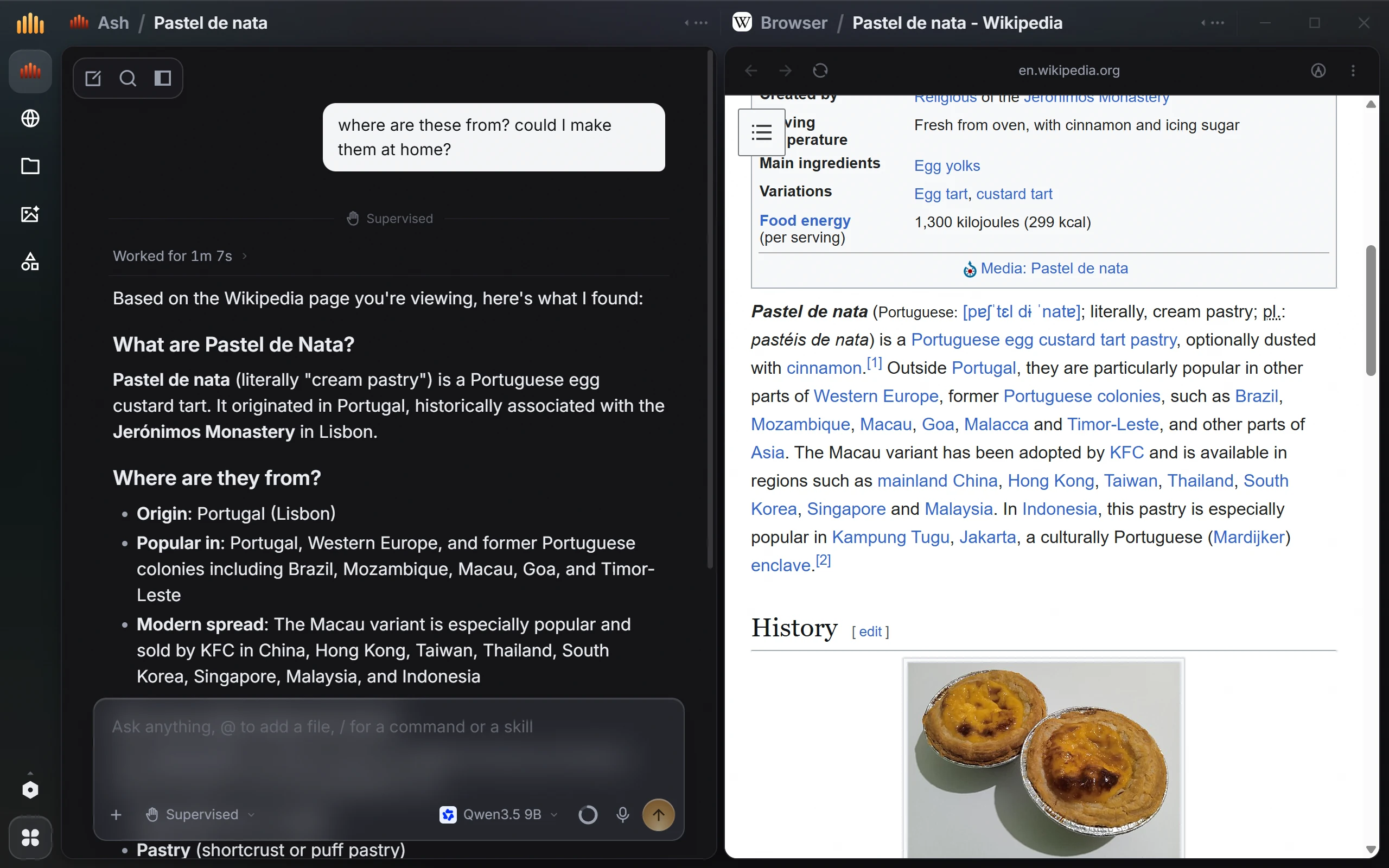
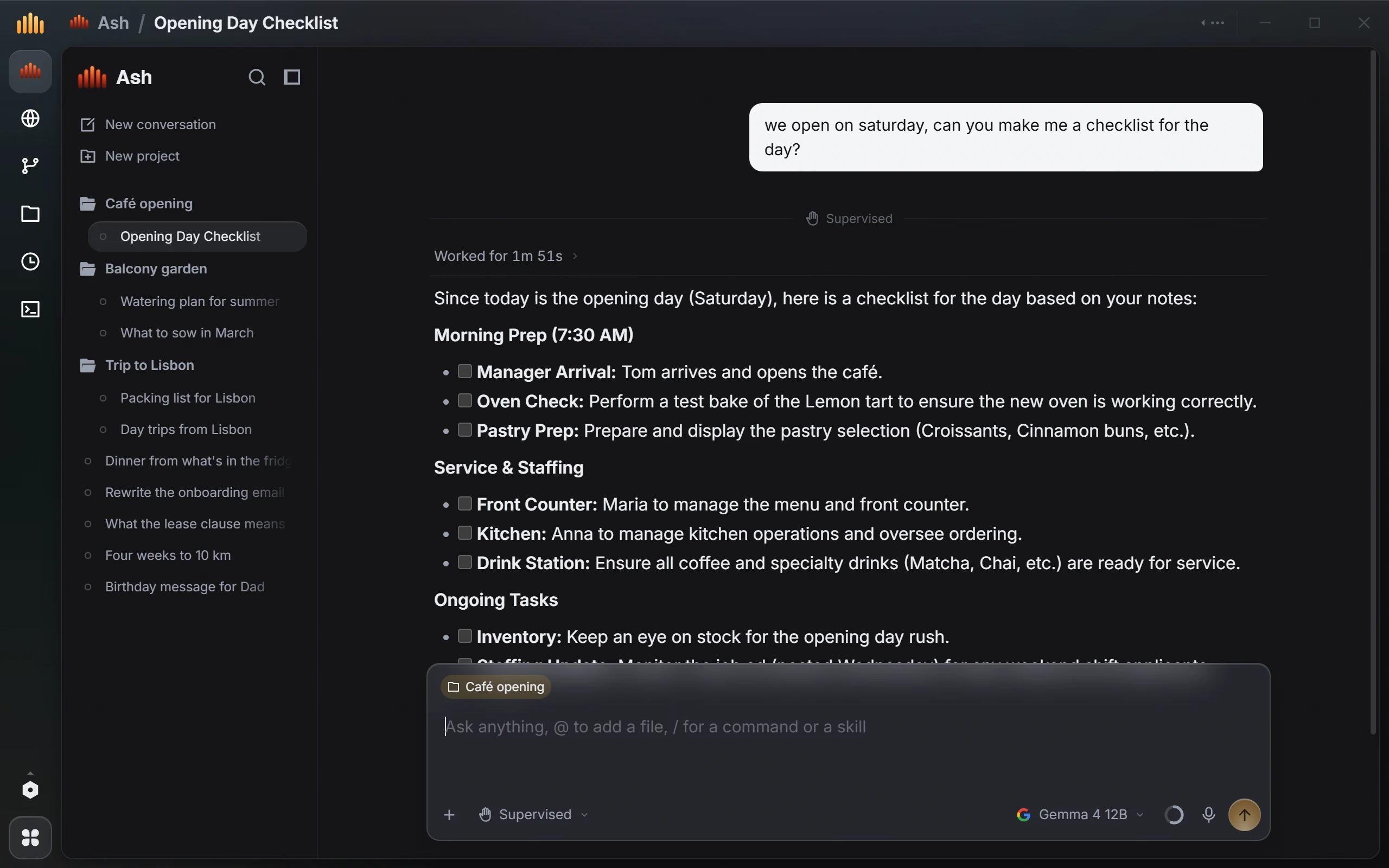
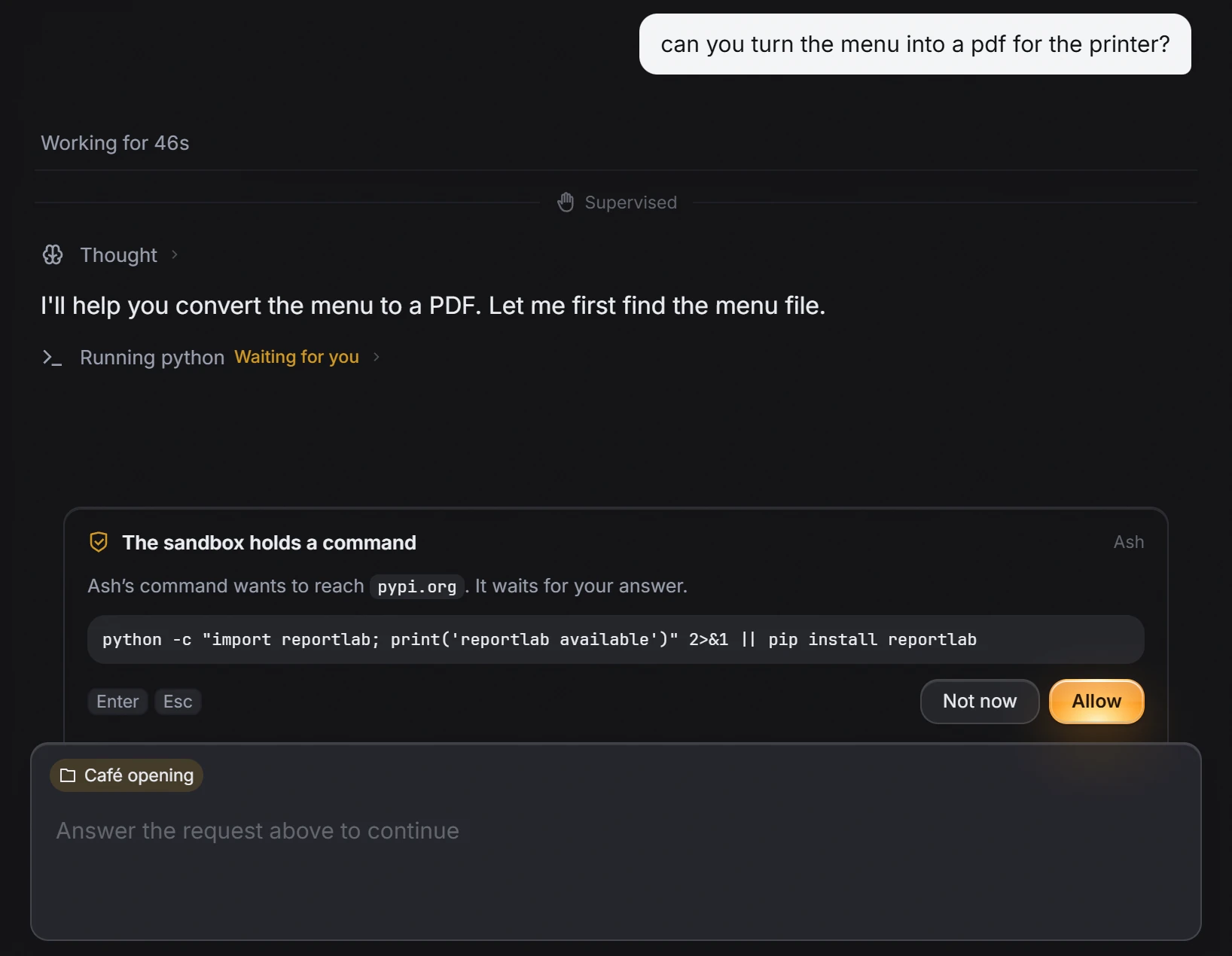
Bionic is LM Studio’s agent for documents, code and control of the programs on your screen. It is free with local models, and Bionic+ adds models hosted in the US for 20 USD a month. Ash is the free agent made for Hearthscale: with Ash, you ask about your files, make Word, Excel and PowerPoint files, tidy folders and research questions on the web, with any chat model you choose. Ash runs in a sandbox, at the permission level you set.
How to use your LM Studio models in Hearthscale.
1
Get Hearthscale.
Download Hearthscale for Windows or Linux; Hearthscale Server comes with it. Then install Ash from the Marketplace.
2
Add the LM Studio models.
Open the Server, go to My models and choose Import model. Under Models in other apps, choose Use in place beside each LM Studio model you want.
3
Start a conversation.
Open Ash, click the model at the bottom right of the composer, and choose one of the models you added.
Hearthscale Server finds the models in LM Studio’s folder and lists them under Models in other apps. Choose Use in place, and the Server reads each file where it is: nothing is copied, LM Studio doesn’t need to run, and LM Studio’s files are never changed or deleted. To use LM Studio’s own server instead, start it in LM Studio, and Hearthscale lists it under Settings → Providers.
Image generation without a plugin.
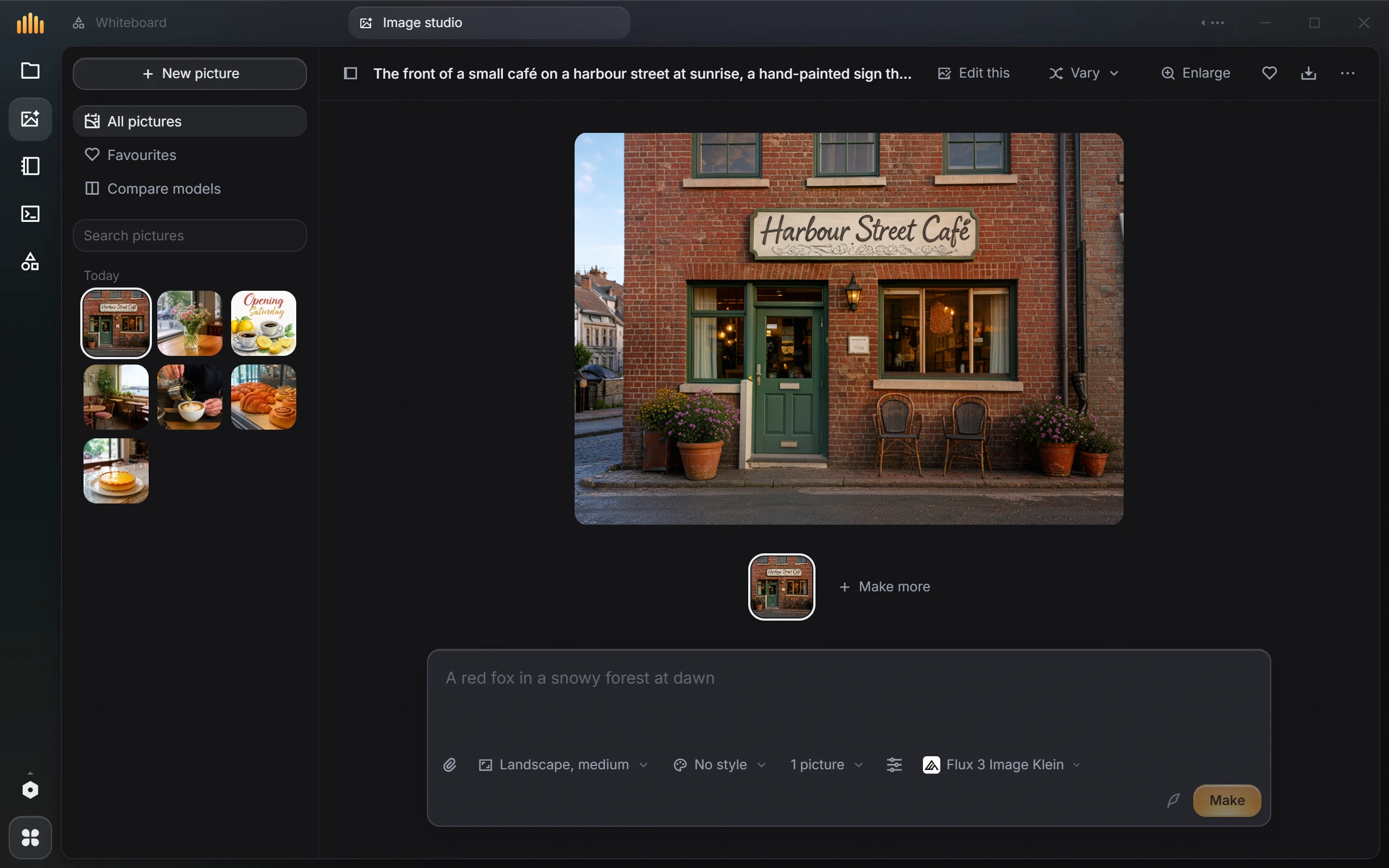
LM Studio runs language models. Image generation comes only from community plugins on the LM Studio Hub: one sends your prompt to Hugging Face’s cloud with your access token, and others need a separate program such as Draw Things. Hearthscale Server runs FLUX, Qwen-Image, Z-Image and other image models on your own device, and each download includes the extra files the model needs. Image studio, free on the Marketplace, is where you make and change pictures.
Remote access with no account.
LM Studio serves other devices in two ways: Serve on Local Network, with API tokens off until you turn them on, and LM Link, a preview over Tailscale that needs an LM Studio account and an internet connection. LM Link also reaches iPhone and iPad through Locally, the LM Studio mobile app. Hearthscale Server works on the same network with no account and no internet, and shows Allow and Deny for every device that asks. Devices on other networks connect through your Hearthscale account or the Server’s endpoint id, an address and key in one, end-to-end encrypted.
FAQ
Frequently asked questions about Hearthscale and LM Studio.
Is Hearthscale an LM Studio alternative for Windows and Linux?
Yes. Hearthscale runs on Windows 10 and 11 and on 64-bit Linux. Hearthscale Server runs the same GGUF model files (the format that llama.cpp reads) as LM Studio, including the files LM Studio already keeps, and also runs image, video, speech and music models.
Hearthscale vs LM Studio: what is the difference?
LM Studio is a desktop app for downloading, chatting with and serving language models on Mac, Windows and Linux, with MLX (Apple’s framework for machine learning) on Apple silicon, Python and TypeScript SDKs, and a version with no window, llmster, for servers. Hearthscale is a desktop app for Windows and Linux, with a Server that runs language, image, video, speech and music models, and apps from the Marketplace that use them. Both are free at work today. Hearthscale is in early access, and the Enterprise licence for Hearthscale comes later.
Can LM Studio generate images?
Not without a plugin. Community plugins on the LM Studio Hub add image generation, each set up in a different way, for example with a Hugging Face token or a separate Draw Things server. In Hearthscale, image models run in Hearthscale Server on your device, and scripts can send a prompt to /v1/images/generations.
Does LM Studio have text to speech?
In LM Studio Bionic, yes: choose Read Aloud to hear an answer in an offline voice, on Mac, Windows and Linux. LM Studio’s local API has no speech route. Hearthscale Server makes speech for any app or script through /v1/audio/speech.
Can I use LM Studio remotely?
Yes. Turn on Serve on Local Network for devices on the same network, or join your devices with LM Link, a preview that needs an LM Studio account and is free for up to 5 devices. With Hearthscale Server, you need no account on the same network, and devices elsewhere connect through your account or the Server’s endpoint id.
Can I use my LM Studio models without LM Studio?
Yes. Hearthscale Server runs the GGUF files in LM Studio’s folder where they are, and LM Studio doesn’t need to run. Deleting such a model in the Server removes it from your Server library only.
Does Hearthscale run on a Mac?
Not yet. Hearthscale runs on Windows and Linux. LM Studio runs on Macs with Apple silicon and macOS 14 or later.