Every answer shows its sources.
Under each answer, Sources lists every file Ash read, with a chip for each page. Click a page, and the file opens at that page in the Files app beside the conversation, so you can check the answer yourself.
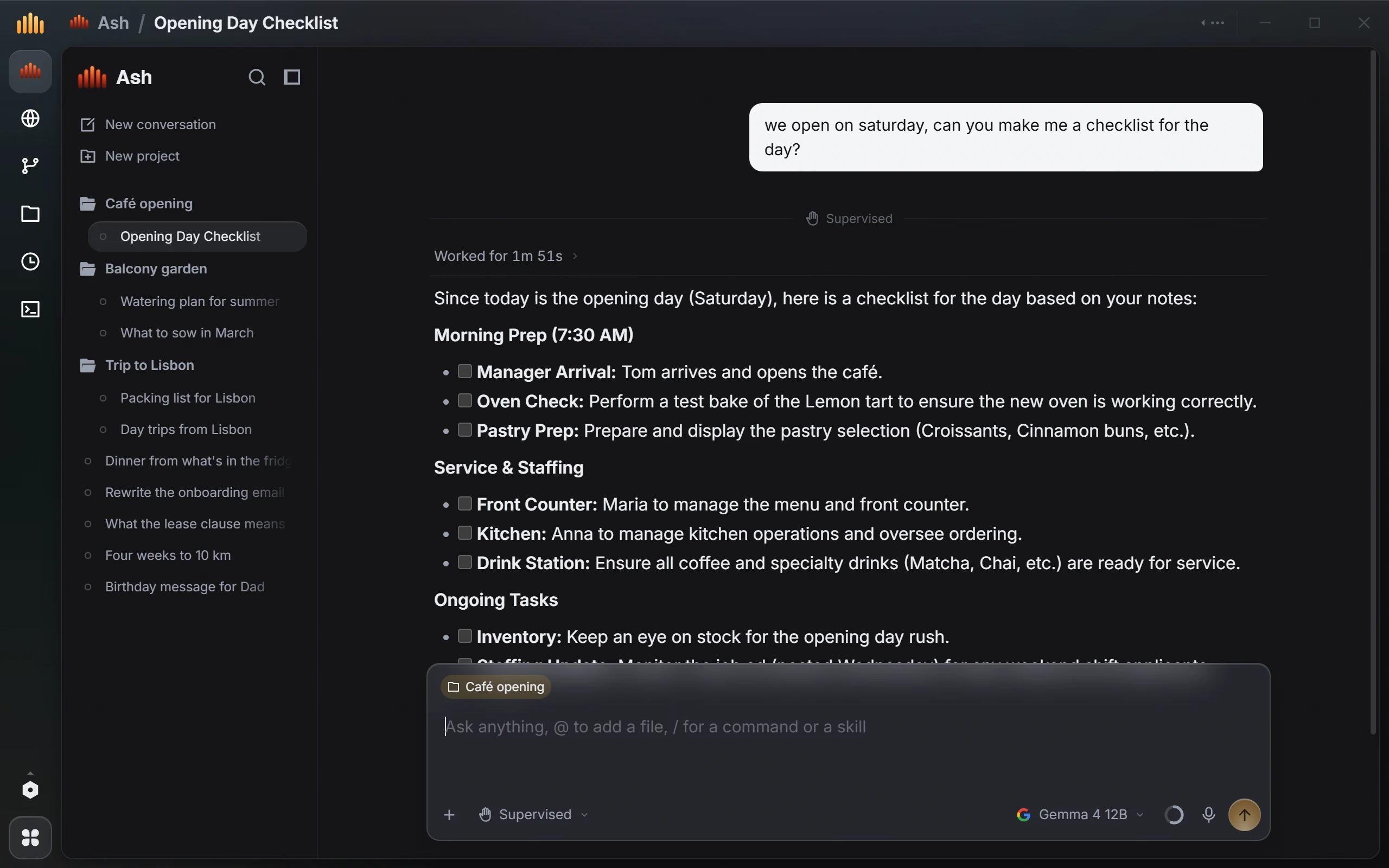
Ask what your PDFs, Word files and spreadsheets say, and see the page behind each answer.
Free, private, and offline once your models are downloaded.
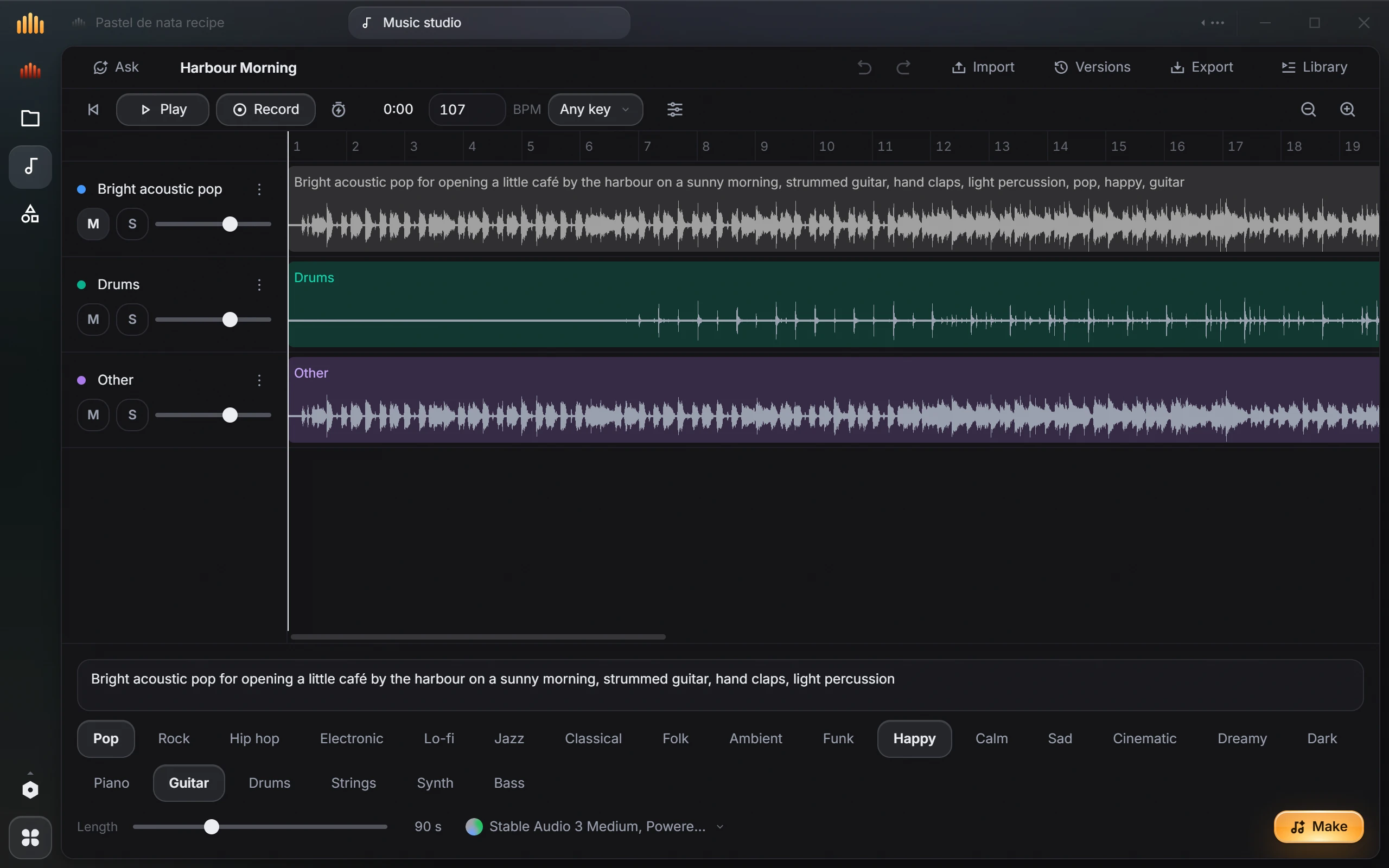
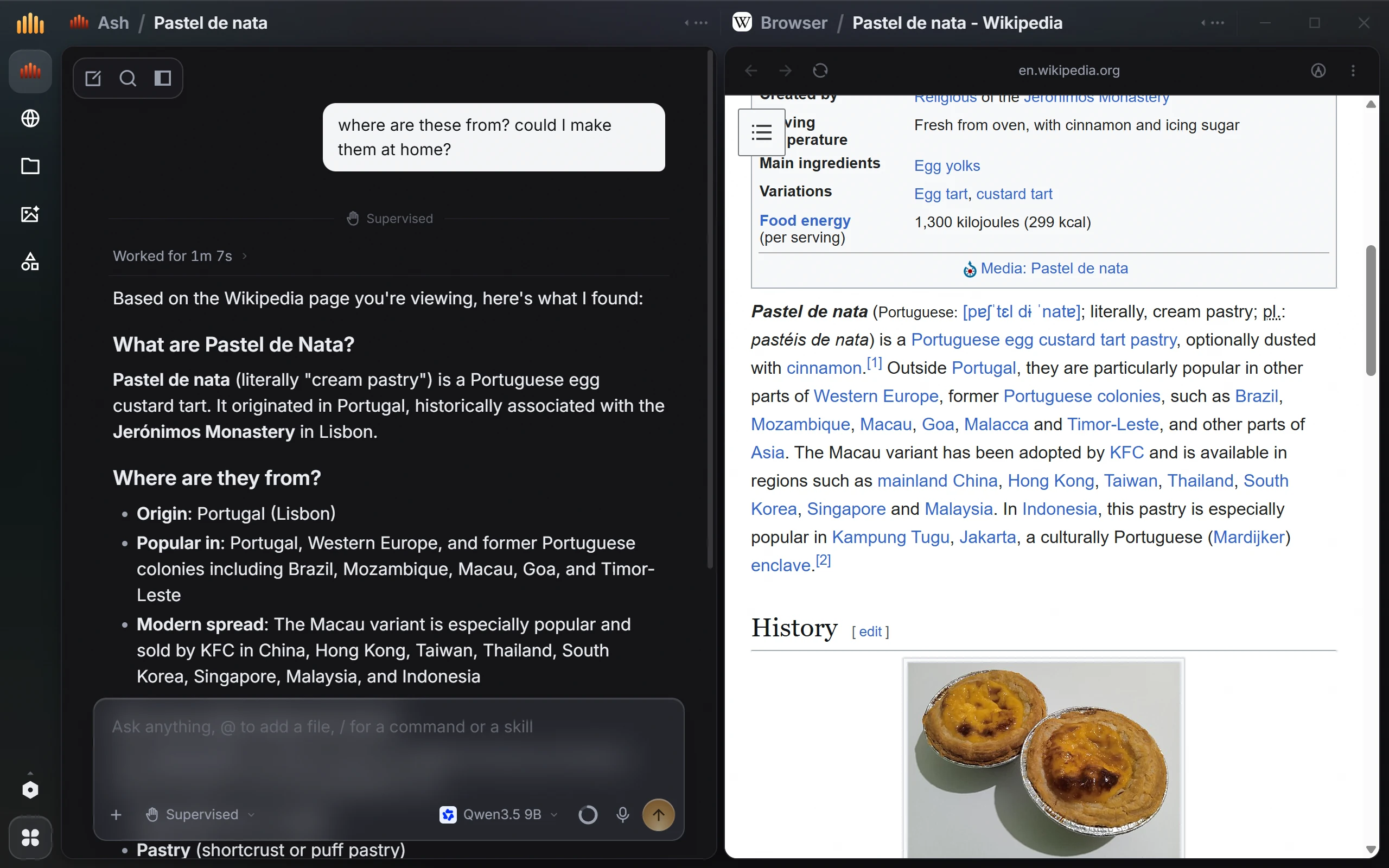
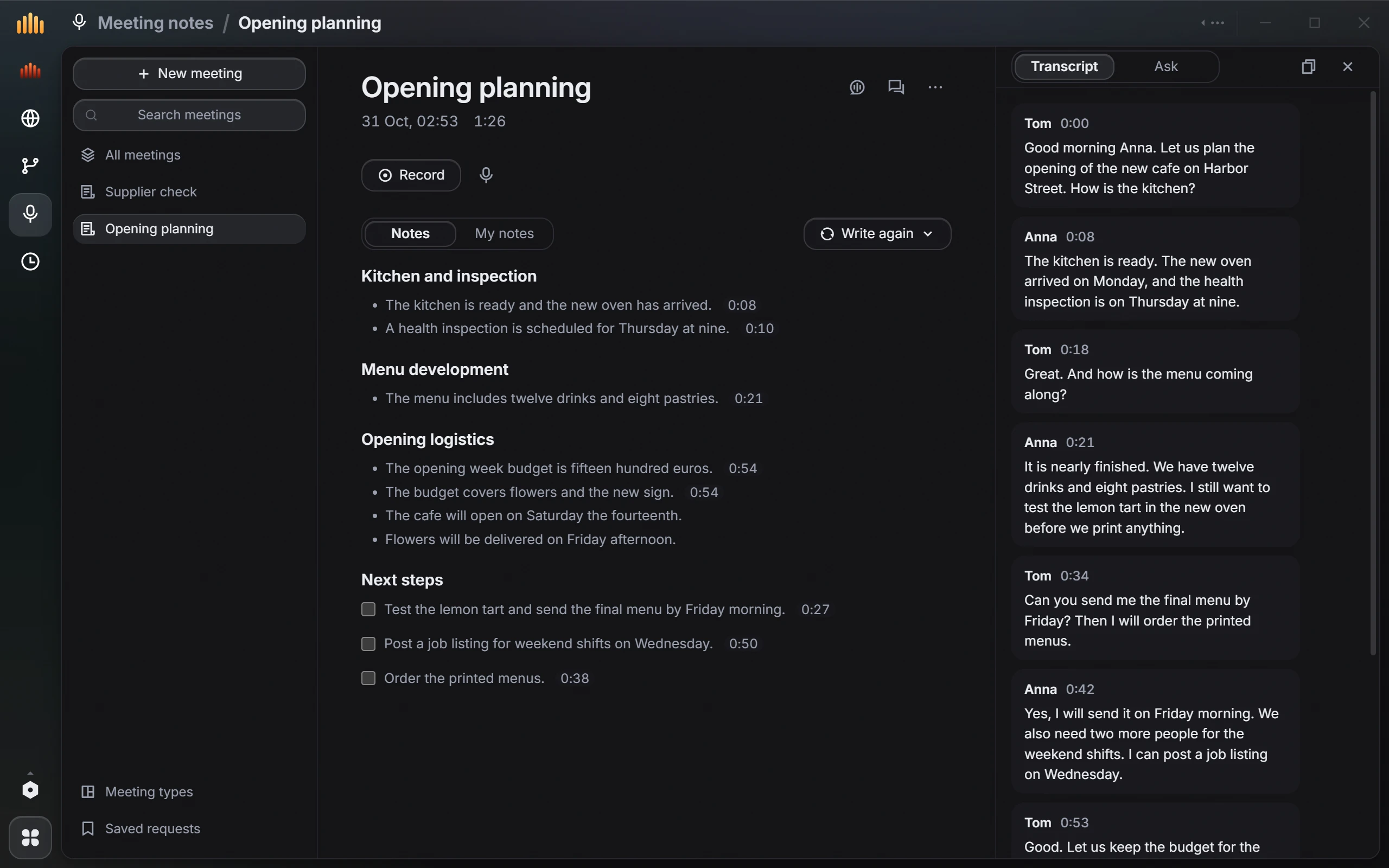
Chat, plan and get work done on your files with Ash. It works with any chat model you choose: Qwen3.8 27B and Gemma 4 on a device with a graphics card, or DeepSeek V4 Flash on an RTX Spark.
Under each answer, Sources lists every file Ash read, with a chip for each page. Click a page, and the file opens at that page in the Files app beside the conversation, so you can check the answer yourself.
Download Hearthscale for Windows or Linux. Install Ash from the Marketplace on the rail, and choose a chat model in the composer.
Open Settings → File search, choose Add → Folder…, and pick the folder. A search by words works within minutes, and the meanings follow.
Start a conversation with Ash and ask your question. Under the answer, click a page in Sources to read it in the file.
Add a folder to File search, the AI search built into Hearthscale, then ask Ash, Hearthscale’s free assistant. Ash searches your files by their words and by their meaning, reads the passages that answer the question, and names the file and the page. Try “What does my rental agreement say about pets?”
Hearthscale reads the text of PDF, Word, Excel, PowerPoint and OpenDocument spreadsheet files, and of text files such as Markdown and CSV. Pages with no text, such as scans, are read by the vision model of the Server on this device, a model made for pictures. Photos and other files are found by their name, folder, size and date.
Add a folder, or every fixed drive of this device. Hearthscale leaves out system and program folders, hidden files, and the folders that hold passwords and browser profiles. Ash searches the places in your home folder and in the folders you attach; for a place on another drive, choose Attach → Search in.
An embedding model, a model that turns text into numbers that stand for what it means, lets a search find a passage by what it says, not only by its exact words. When you add your first place, your Server downloads a recommended embedding model, and on a device with a graphics card a rerank model too, so that the best passages come first. You set up no database and write no code.
Frequently asked questions about chatting with your documents.
Yes. Attach the PDF to a conversation with Ash, or add the PDF’s folder to File search, and ask. With a local model, the PDF is read page by page on your device, and no step needs an internet connection.
RAG, retrieval-augmented generation, means that the passages of your documents that fit a question are found first, and the answer is written from them. Local RAG does the search and the answer on your own devices, so the documents never go to an online service. In Hearthscale, File search finds the passages and Ash answers from them.
Not with local models. The text of your files goes only to the Servers that run your models, on this device or another of your devices, and the connection between devices is encrypted. If you choose a cloud service as Ash’s model, the passages Ash reads go to that service.
Photos and other files with no text are found by their name, folder, size and date, not by what they show. Files that OneDrive keeps only online are not downloaded, and documents over 200 MiB and text files over 20 MiB are skipped. Settings → File search lists each file not read in full, with the reason.
For questions about your own files, yes. NotebookLM, now called Gemini Notebook, is an online service from Google that you use with a Google Account. With Hearthscale, File search reads whole folders where they are, on your device, with no account.
A search by words works within minutes of adding a folder. The meanings take longer, and for a large folder on a device with no graphics card, they can take hours. Reading pauses while an agent writes a reply and while the device runs on battery. Status in Settings → File search shows how far each place is read.
Yes. In the composer, choose Attach → Search in, then the place. Searches in that conversation read only that place until you choose All places.
Yes. Hearthscale, File search and Ash are free, with no account needed.