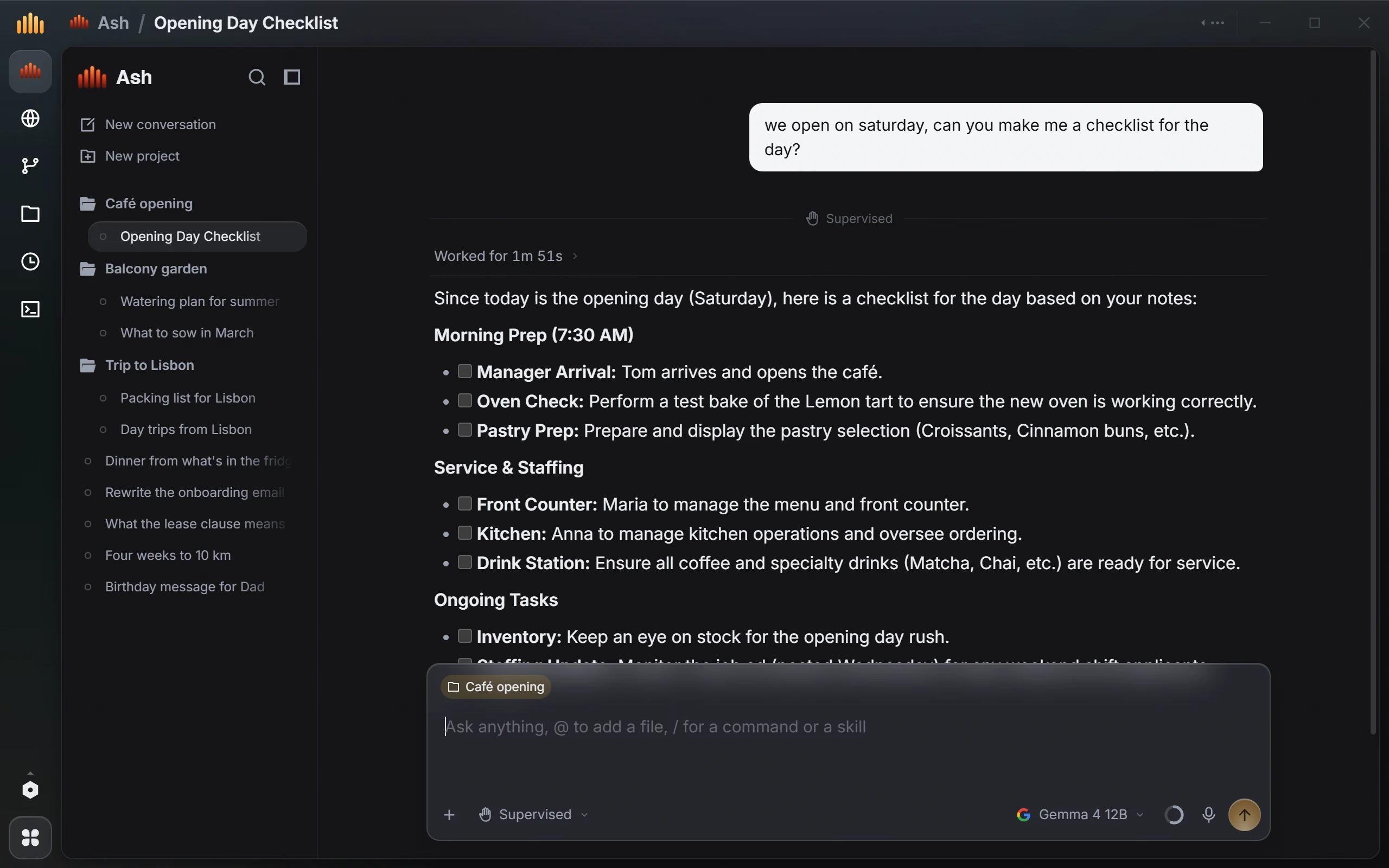
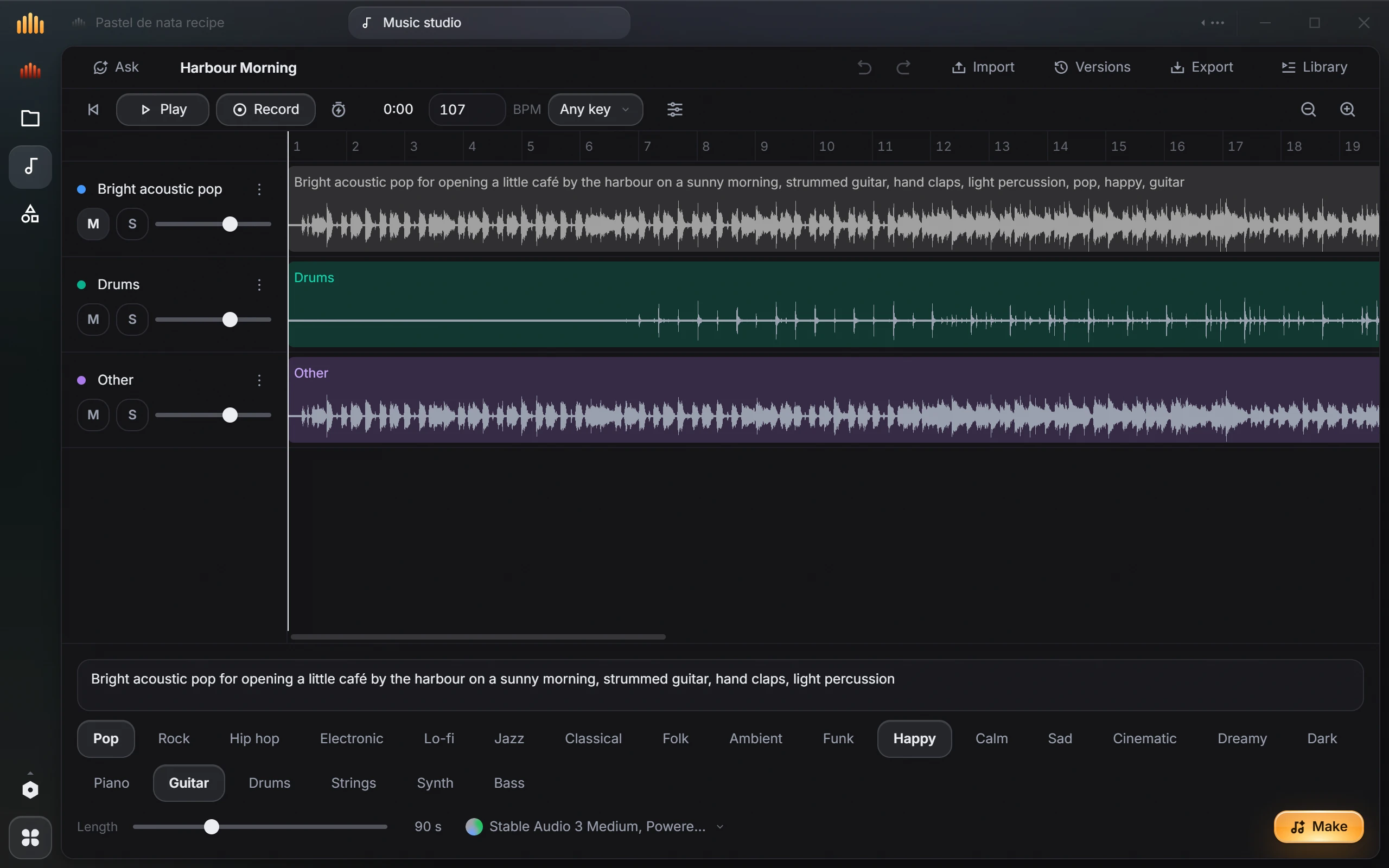
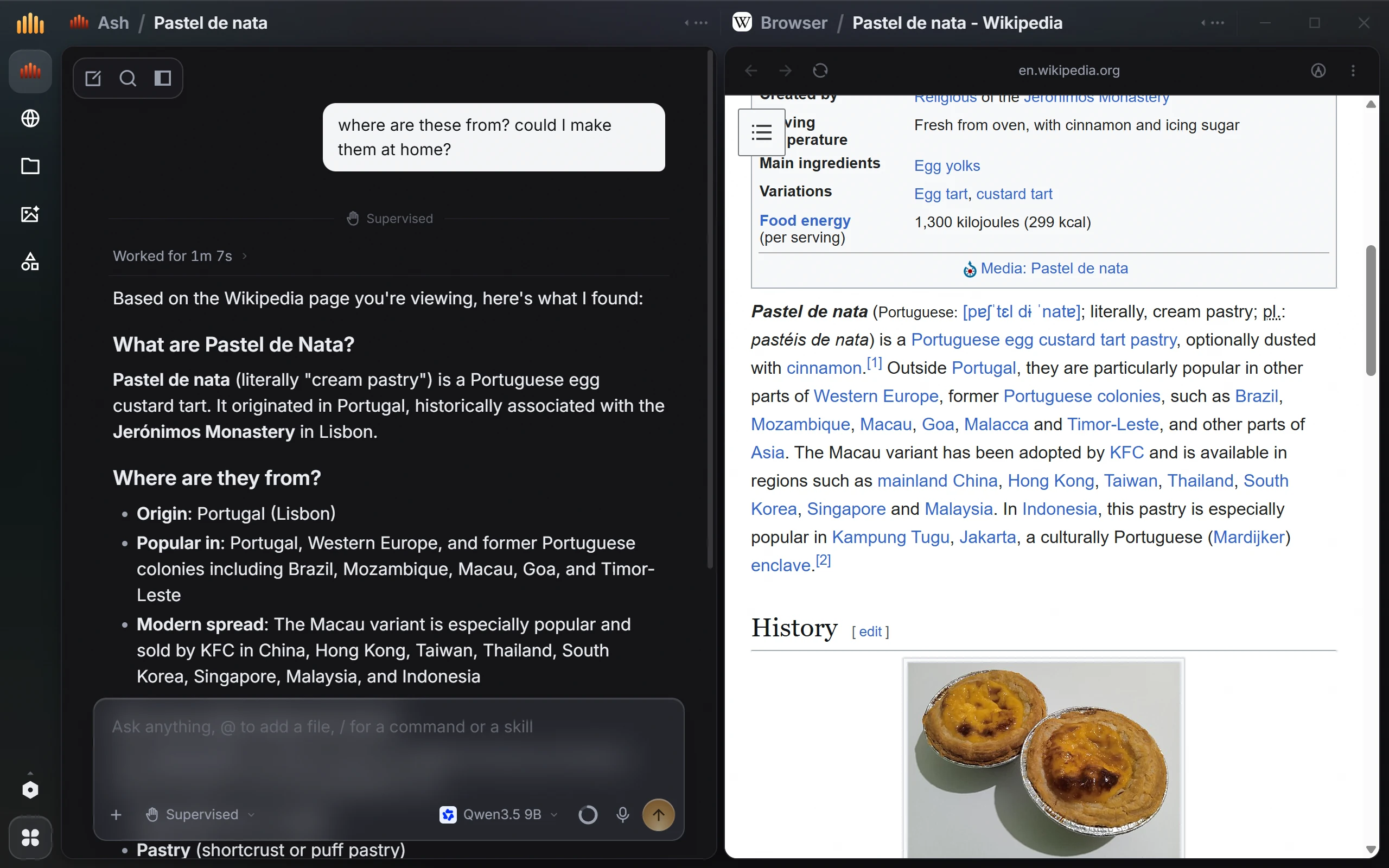
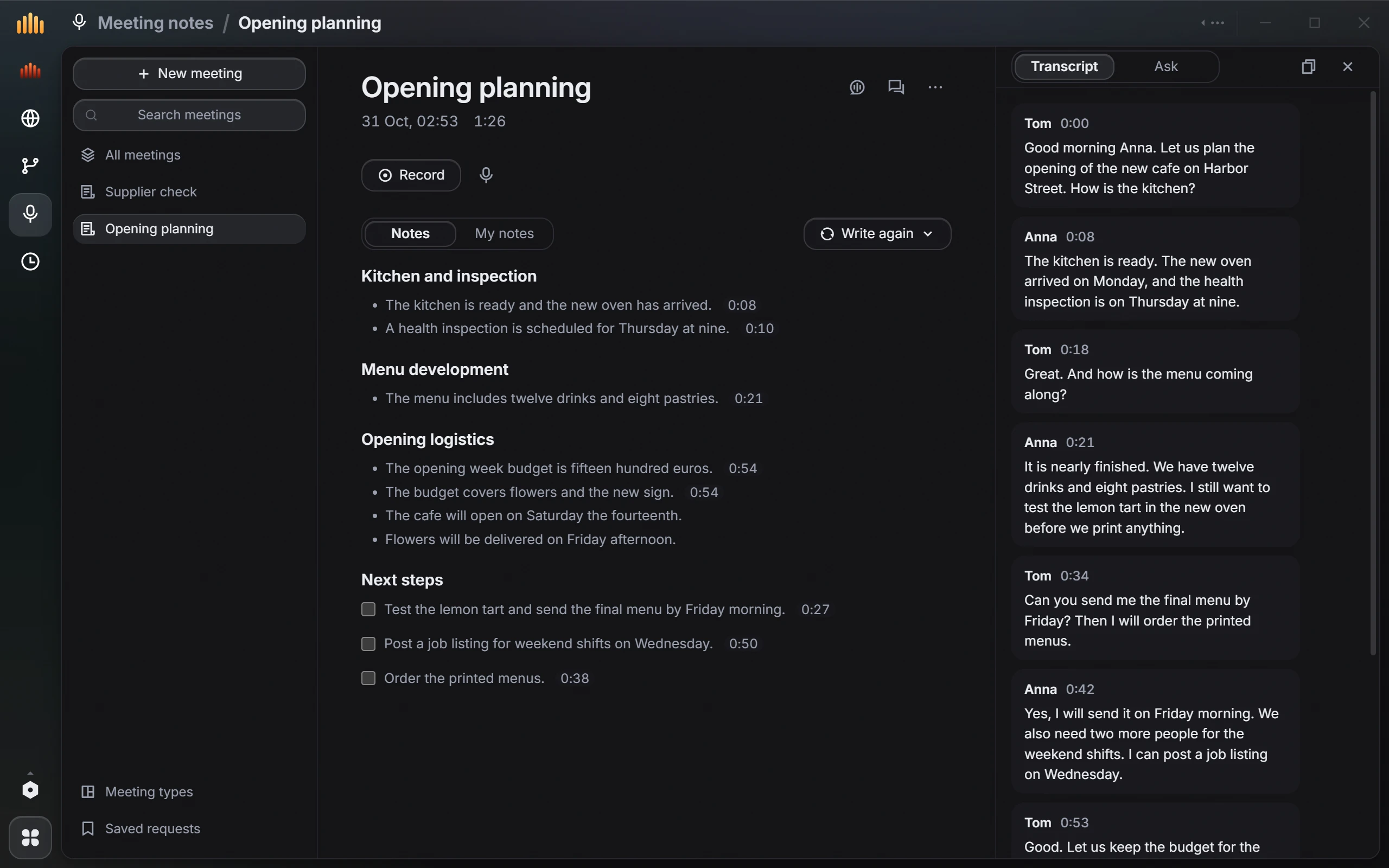
Chat, plan and get work done on your files with Ash. It works with any chat model you choose: Qwen3.8 27B and Gemma 4 on a device with a graphics card, or DeepSeek V4 Flash on an RTX Spark.
Hearthscale, OpenClaw and Hermes Agent.
Facts about OpenClaw and Hermes Agent come from each project’s own site, documentation and GitHub, with the default settings. Checked on 16 November 2026.
Hearthscale with Ash
OpenClaw
Hermes Agent
Runs on
Windows and Linux
macOS, Windows, Linux, iOS and Android
macOS, Windows and Linux
On Windows
One installer
Windows Hub app, with the Gateway in WSL, or PowerShell
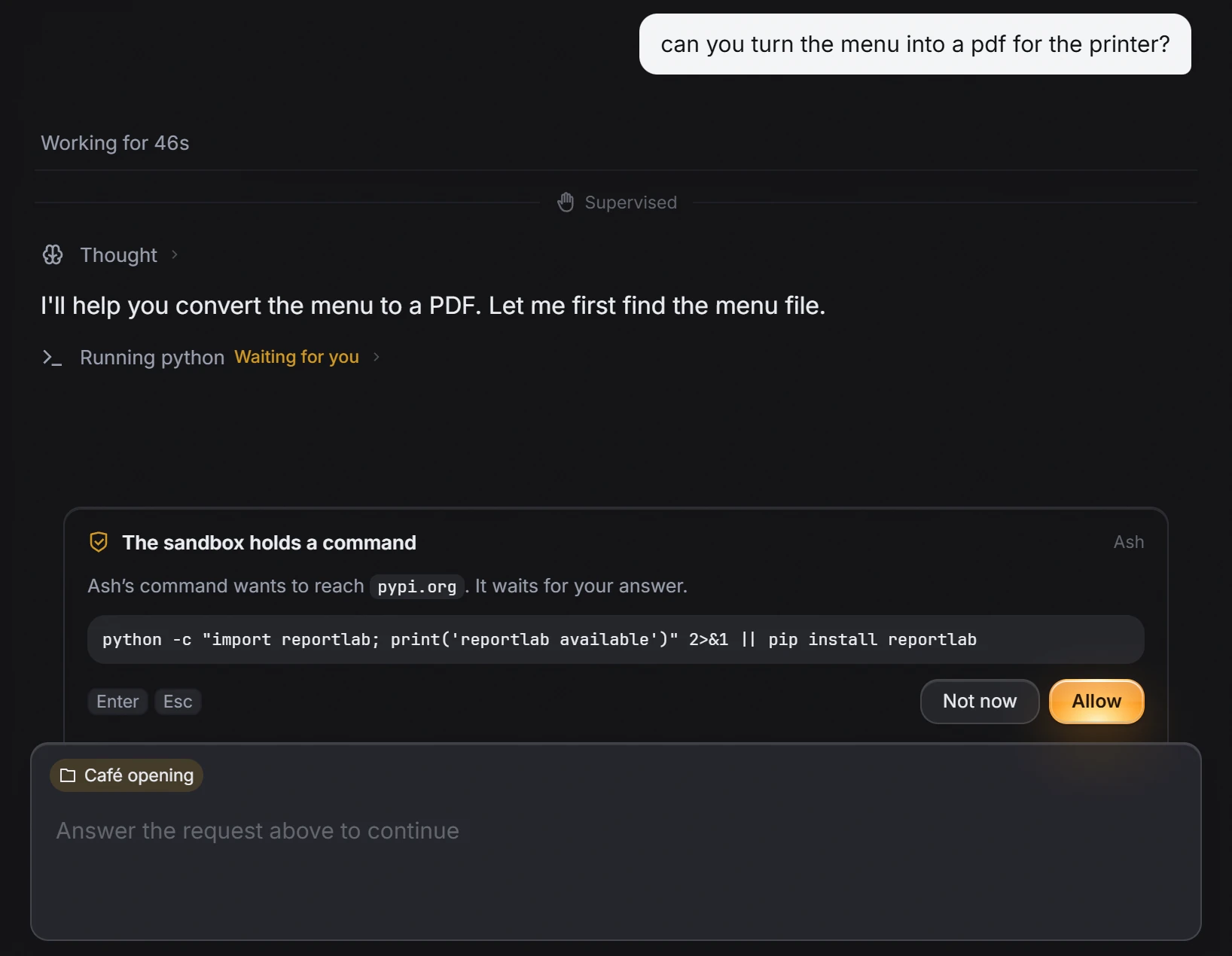
In Hearthscale, agent commands run in the fence, a sandbox for every app. A command reaches only the folders you granted and the app’s own data, and each new network connection follows the permission level. Below Bypass all permissions, no sandboxed command or file tool can read your credential or browser-profile folders, change Hearthscale’s settings or connect to Hearthscale itself.
Local models, ready on Windows.
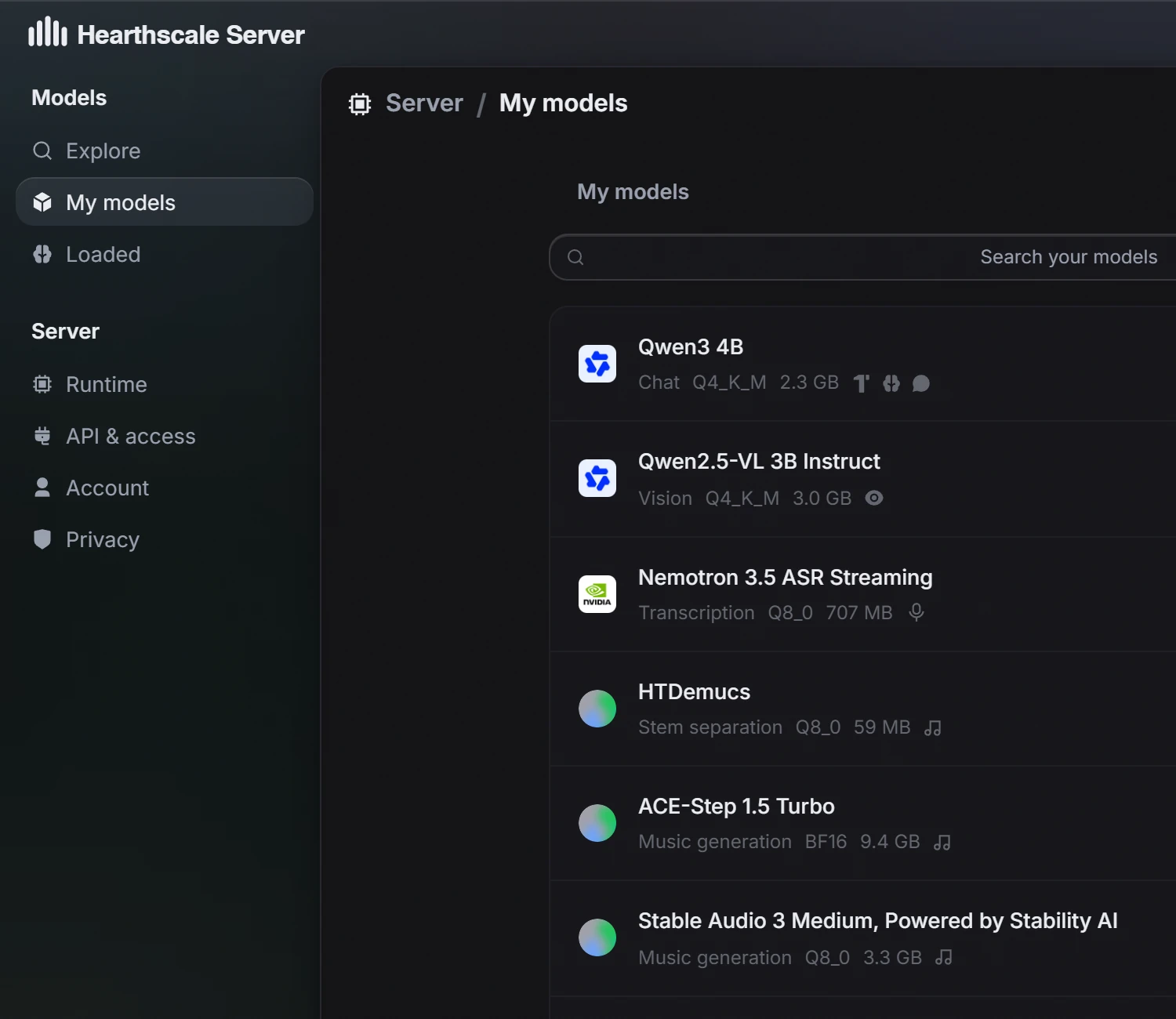
One installer for Windows 10 and 11 sets up Hearthscale and lists the models recommended for your device. Hearthscale Server downloads, loads and runs the models for every app, and your other devices can use them over an end-to-end encrypted connection. Ollama and LM Studio work too.
Set up Ash with the sandbox on.
1
Install Hearthscale.
On Windows, run the installer and choose from the recommended models. On Ubuntu or Debian, install the Debian package, which also installs bubblewrap and the AppArmor profile the sandbox needs.
2
Check the fence.
Open Settings → Permissions. The fence should say Enforced through, with keychain access and access to Hearthscale shown as Blocked.
3
Install Ash and choose a level.
Install Ash from the Marketplace, then choose Supervised, Auto or Full access on the settings page of Ash. For each task, give the conversation only the folder it needs.
Ash does not work in Telegram, WhatsApp or other chat apps, and does not run on macOS. You use Ash in the Hearthscale window on a Windows or Linux device. To message an agent from your phone, or to run one on a Mac, choose OpenClaw or Hermes Agent.
Full access is a risk.
An agent reads web pages, emails and files that other people wrote, and any of them can hold instructions meant for the agent. With full access to your device, one such instruction or one model mistake can delete files or read your passwords. OpenClaw and Hermes Agent run commands directly on your device by default; a sandbox in Docker or another backend is yours to set up.
What the fence needs.
On Windows, the fence needs Windows 11 24H2 with the August 2026 update or later. On Ubuntu 24.04, it needs an AppArmor profile, which the Debian package installs. Without them, Settings → Permissions says Not enforced, and commands run unsandboxed: Supervised asks before each one, Auto reviews them, and Full access runs them with your own access. Web research in the Browser needs the fence too.
Four permission levels.
Supervised, the level of a new install, runs what stays within the access you granted and asks before anything else. Auto sends those requests to a model for review, and a request that fails review is refused. Full access allows them without review, still inside the fence. Bypass all permissions removes the sandbox and every check for one app, and only after a warning.
FAQ
Frequently asked questions about OpenClaw, Hermes Agent and Ash.
What is a good OpenClaw alternative for Windows?
For an agent in a desktop window, with local models and a sandbox that is on from the start, try Hearthscale with Ash: one installer, free, with nothing to set up in WSL or Docker. To reach your agent from Telegram or WhatsApp, Hermes Agent runs natively on Windows and works in chat apps.
Does OpenClaw run on Windows?
Yes. OpenClaw recommends Windows Hub, a desktop app for Windows 10 (20H2 or later) and Windows 11. Local setup in Windows Hub installs the OpenClaw Gateway in a separate WSL distribution. You can also install OpenClaw from PowerShell, which runs the Gateway natively, or inside WSL2.
Does Hermes Agent run on Windows?
Yes. Hermes Agent runs natively on Windows 10 and 11, with no WSL, from a PowerShell install or from Hermes Desktop, which comes from the Microsoft Store or as an .exe file. WSL2 works too.
Hermes Agent vs OpenClaw: what is the difference?
Both are free, open-source agents under the MIT licence that you host yourself and reach from chat apps. OpenClaw is built around a Gateway that connects more than 20 messaging services and companion apps for desktop and phone. Hermes Agent, from Nous Research, is built around a learning loop: skills are created from finished tasks and improved in use, and memory carries across sessions. Both run commands directly on your device unless you set up a sandbox.
Is there an OpenClaw desktop app?
Yes. OpenClaw has a menu bar app for macOS, Windows Hub for Windows, and a second desktop app for Windows and Linux that shows the Gateway’s Control UI. Hearthscale is a desktop app for Windows and Linux, where Ash, the Browser, Files and Terminal open side by side in one window.
Can I use Ash in Telegram or WhatsApp?
No. Ash works only in the Hearthscale app on Windows and Linux. It is not available in Telegram, WhatsApp or any other chat app, and not on macOS.
Can OpenClaw or Hermes Agent use local models?
Yes. In OpenClaw, the llama.cpp plugin sets up a local model, or you connect Ollama, LM Studio or another OpenAI-compatible server. Hermes Desktop has Local Models, which installs llama.cpp and a model sized for your hardware, and Hermes Agent also connects to Ollama and LM Studio. Hearthscale Server offers an OpenAI-compatible API on your device too, the kind of endpoint both accept.
Is it safe to give an AI agent full access to my device?
It is a risk. A model can make mistakes, and a web page, email or file can hold instructions written to steer it. Keep the agent in a sandbox, grant only the folders a task needs, and keep approvals on for anything you cannot undo. In Hearthscale, Bypass all permissions is the only level without the sandbox, and you set it for one app at a time, after a warning.